
Know what is ready. Keep the warehouse moving.
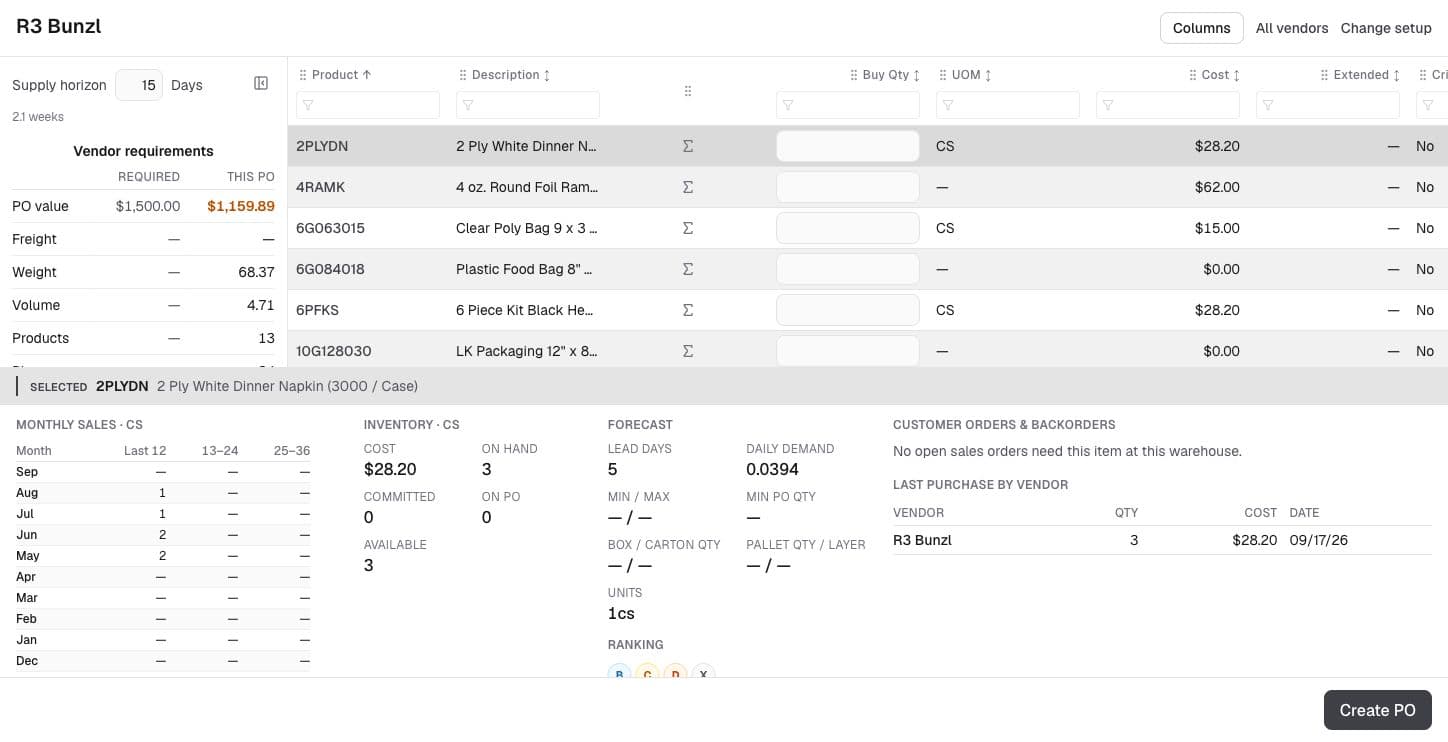
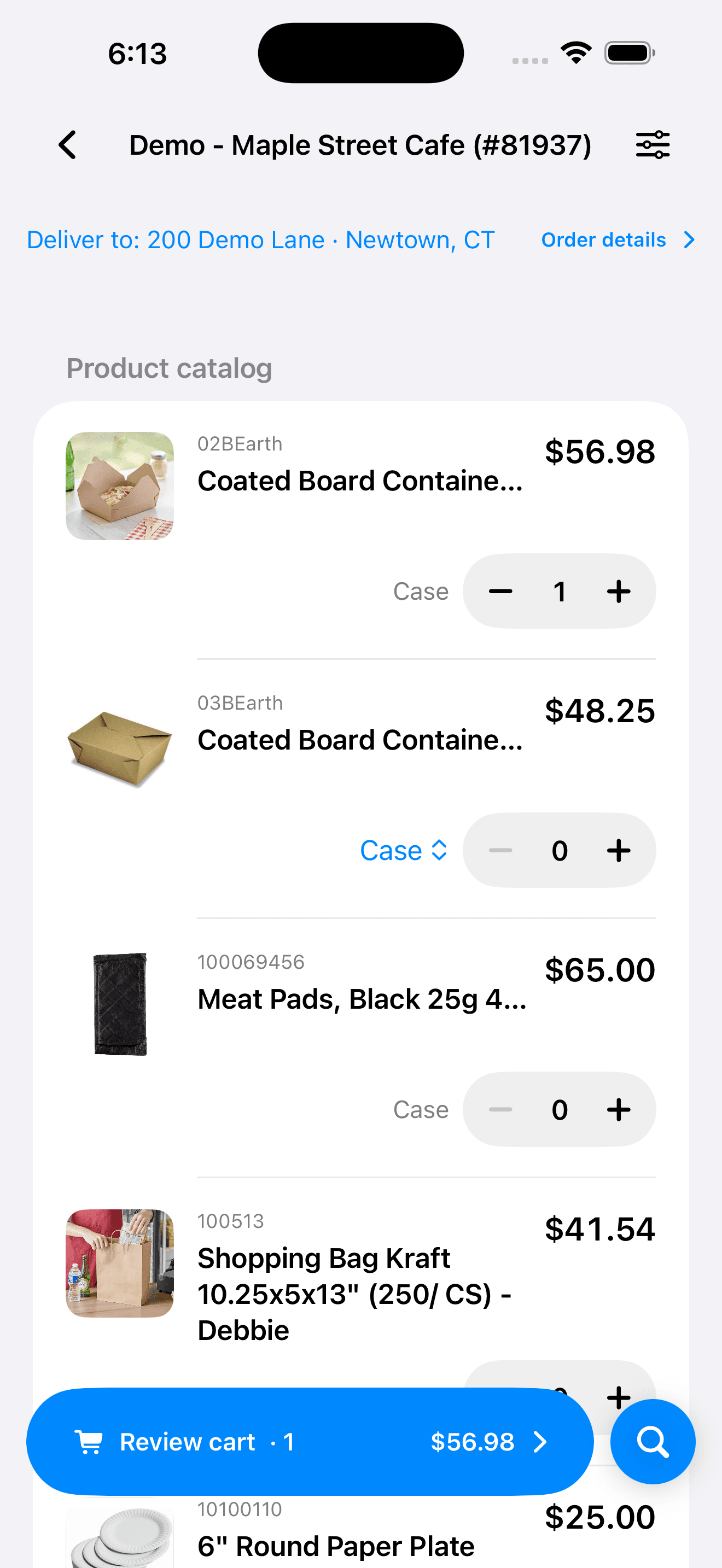
Give supervisors and warehouse teams a shared view of stock, pick work, and orders at risk. Abbey connects receiving, lots, bins, commitments, and picking to the customer orders behind them.
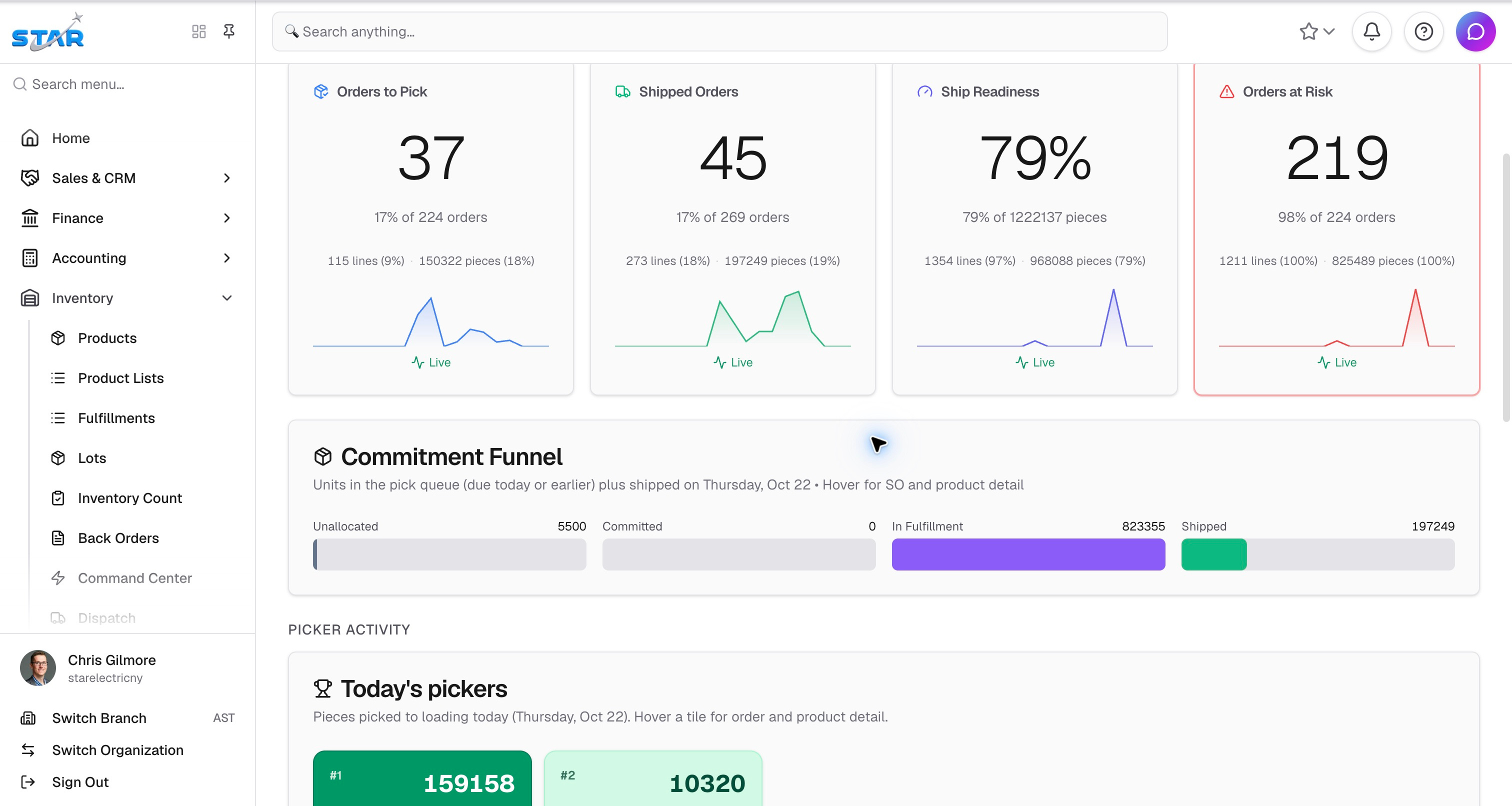
- Prioritize work that needs attention
- Find stock by warehouse, lot, and bin
- Keep picking progress visible to the office
01 / Warehouse visibility
Start the shift with a clear view of the work.
See the pick queue, shipped orders, readiness, and at-risk orders together. Drill into the work behind a metric instead of calling across the warehouse for an update.
- Track the flow from unallocated demand through commitments and shipment.
- Review picker activity and progress for the selected warehouse and day.
- See bin status and inventory location in the live inventory map.
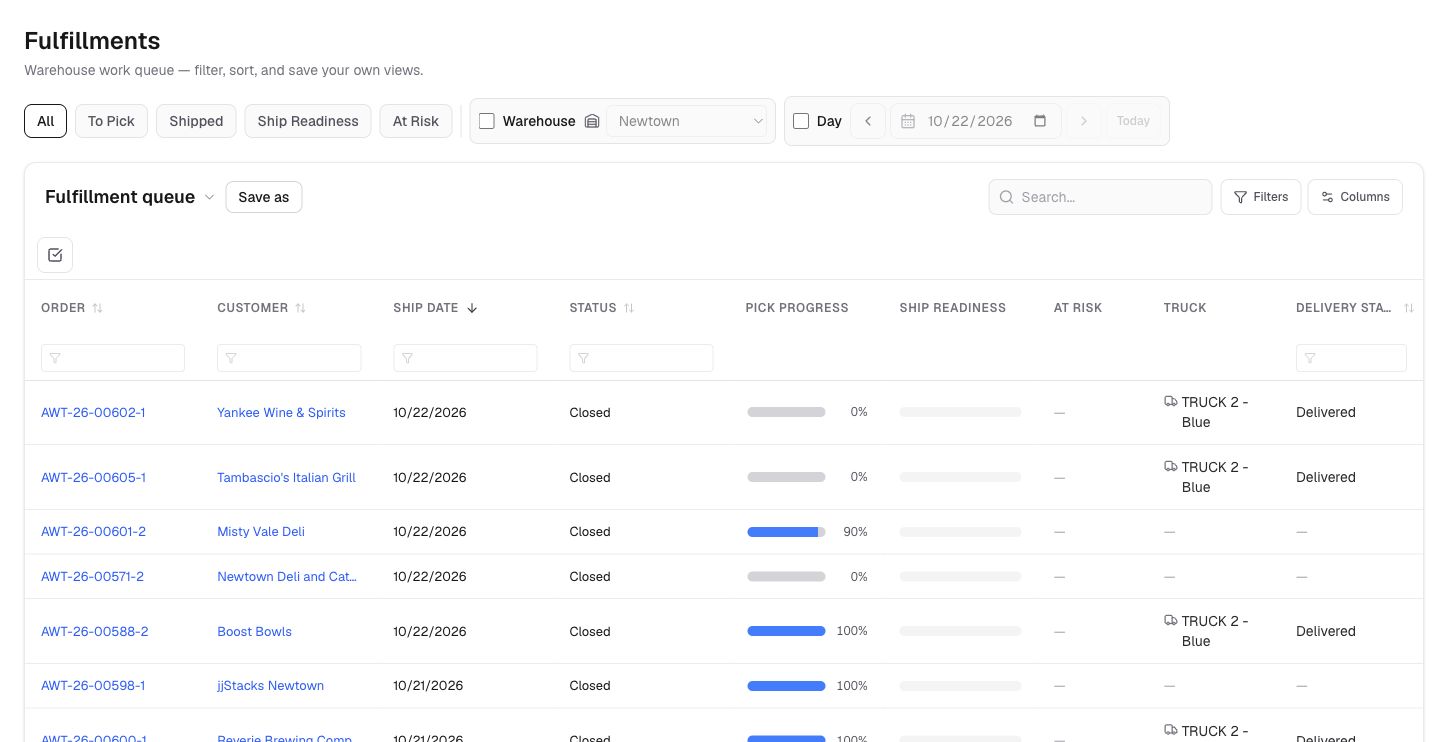
02 / Execution on the floor
Take the work to the stock.
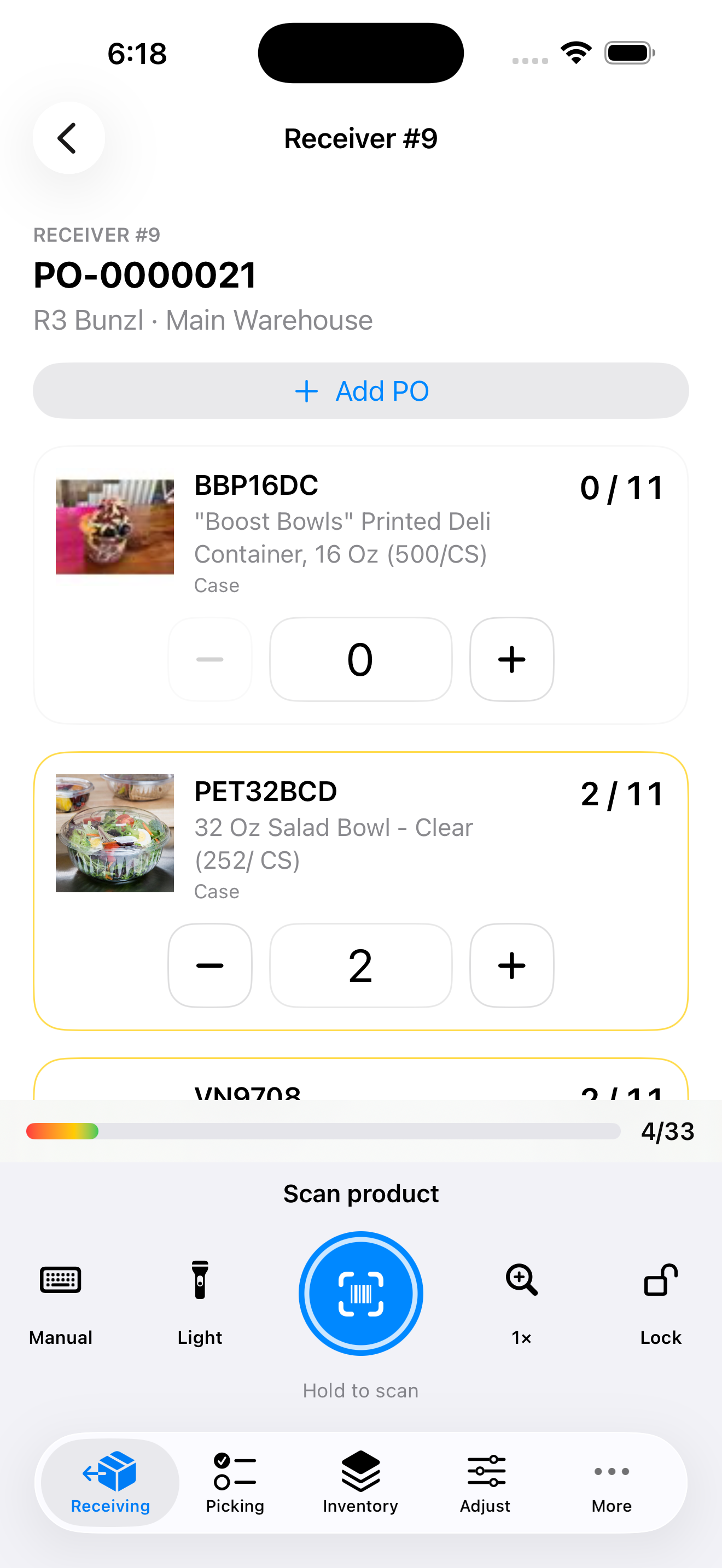
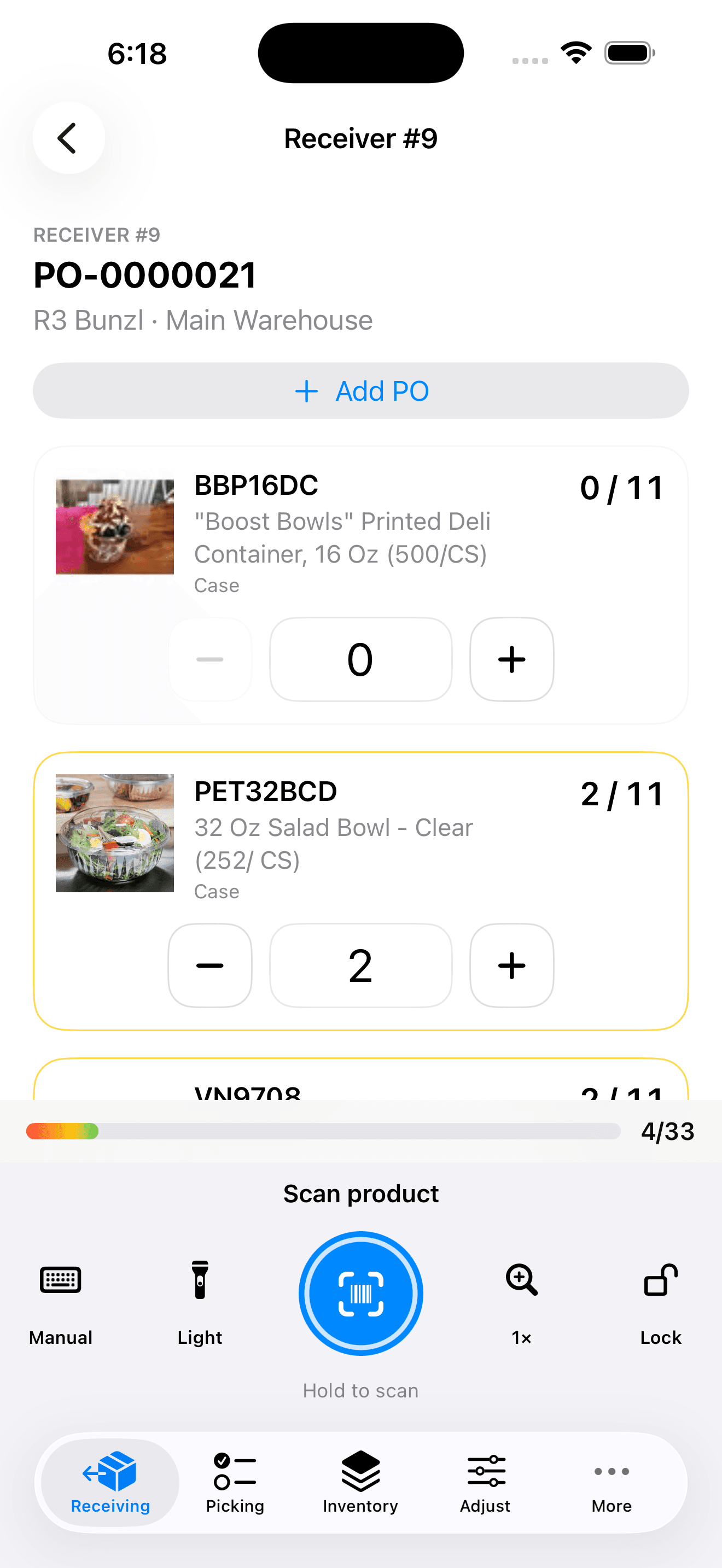
Use focused warehouse screens for receiving, putaway, bin transfers, and picking. Product, lot, and bin information stays attached to the transaction, helping the team handle the right stock and record each movement.
- Scanner-ready workflows reduce trips back to a desk.
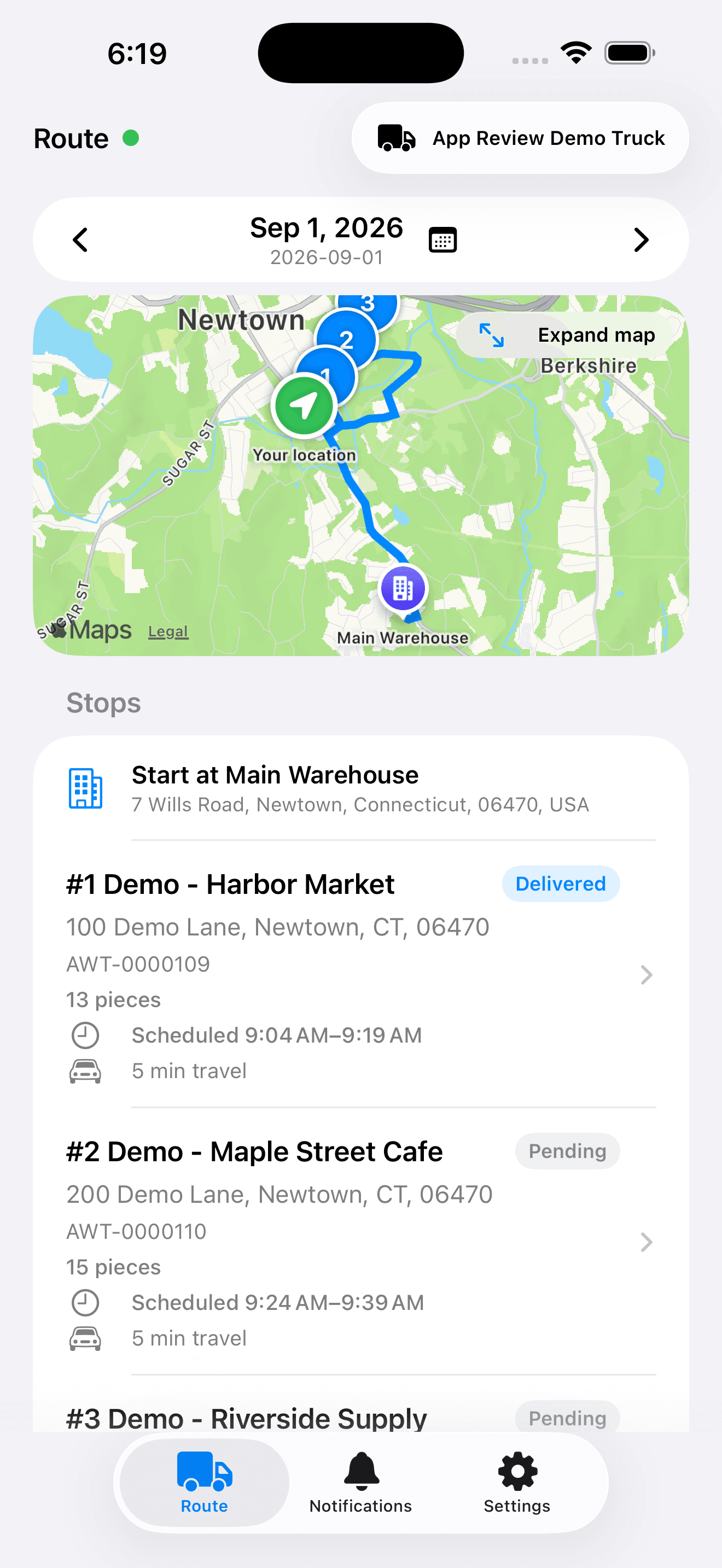
- Follow pick assignments and record progress into loading.
- Keep lot, bin, unit-of-measure, and availability context together.
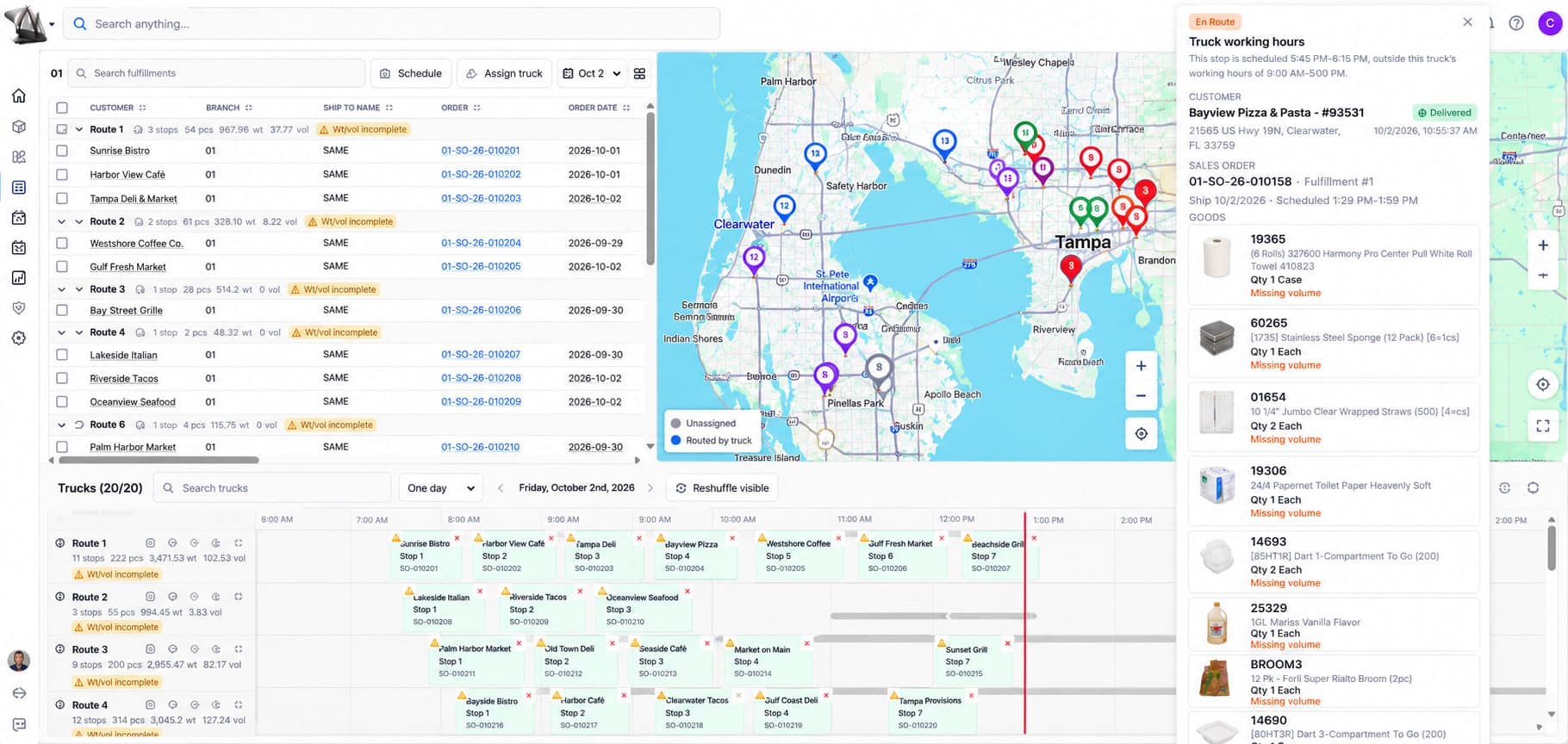
Keep the workflow moving
Connected to the next part of the job.
Let’s talk about your operation
See Abbey work through
your next order.
Bring an example from your operation. We’ll walk through order entry, purchasing, fulfillment, and billing with your team.