
Keep working when you leave the desk.
Give sales reps, warehouse teams, drivers, and customers access to the work that matters to them. Abbey’s native iOS app and browser workspaces keep the operation connected beyond the office.
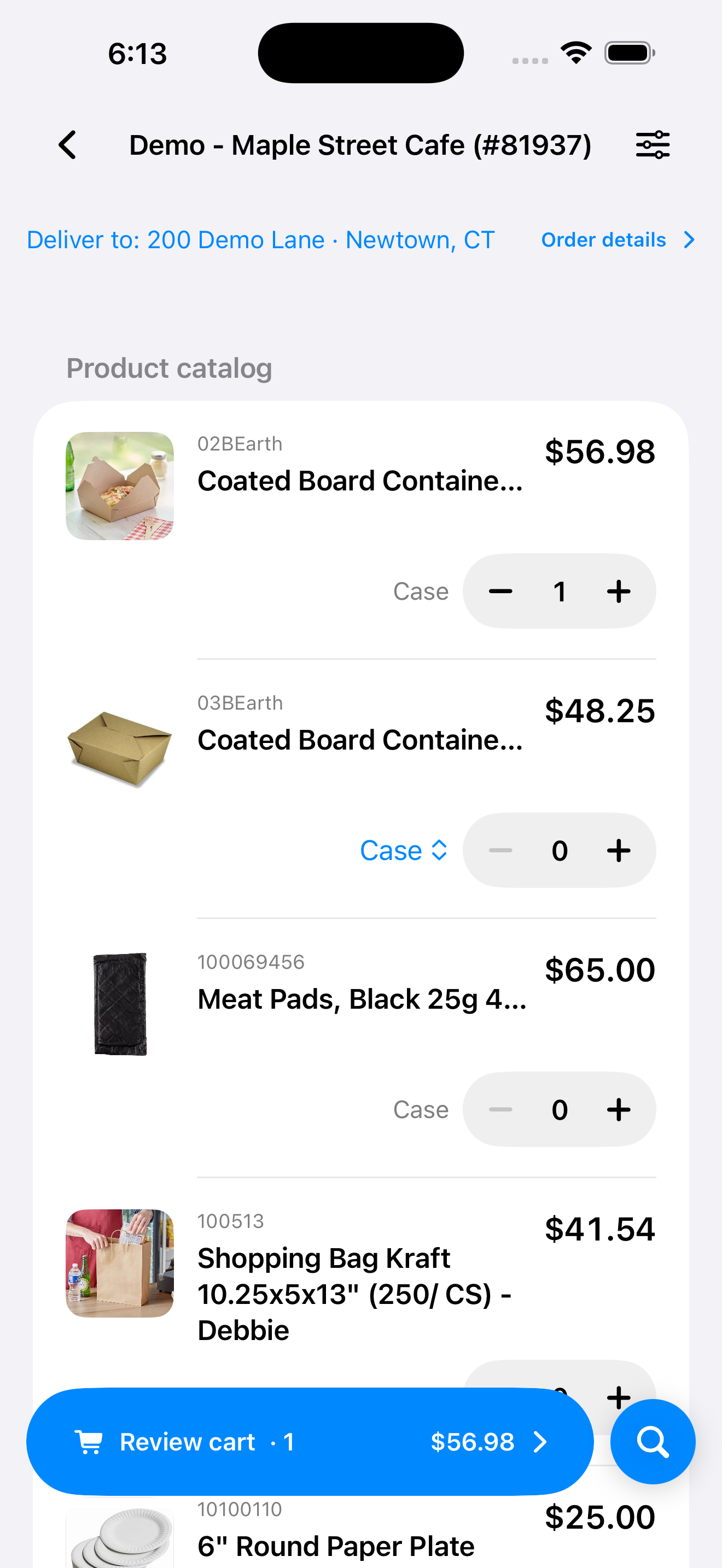
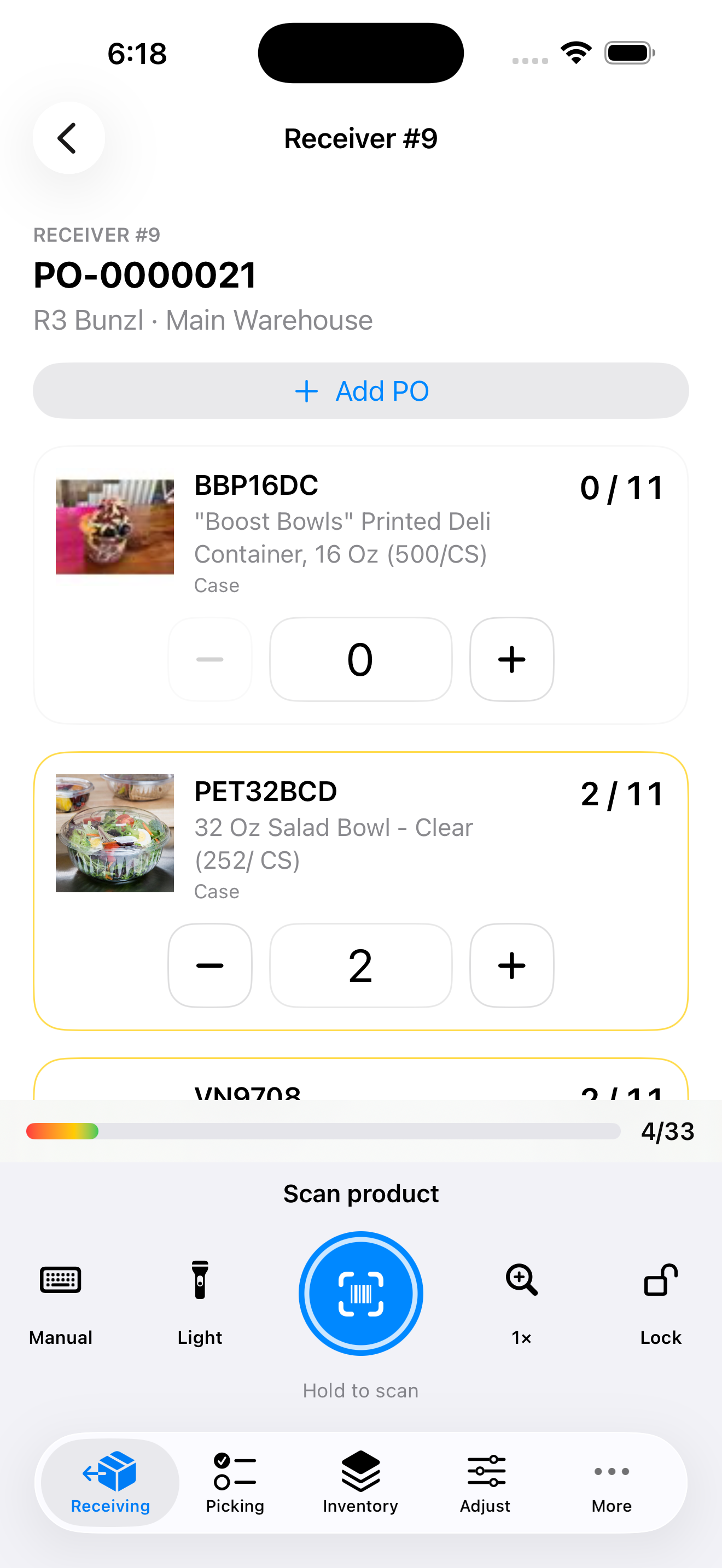
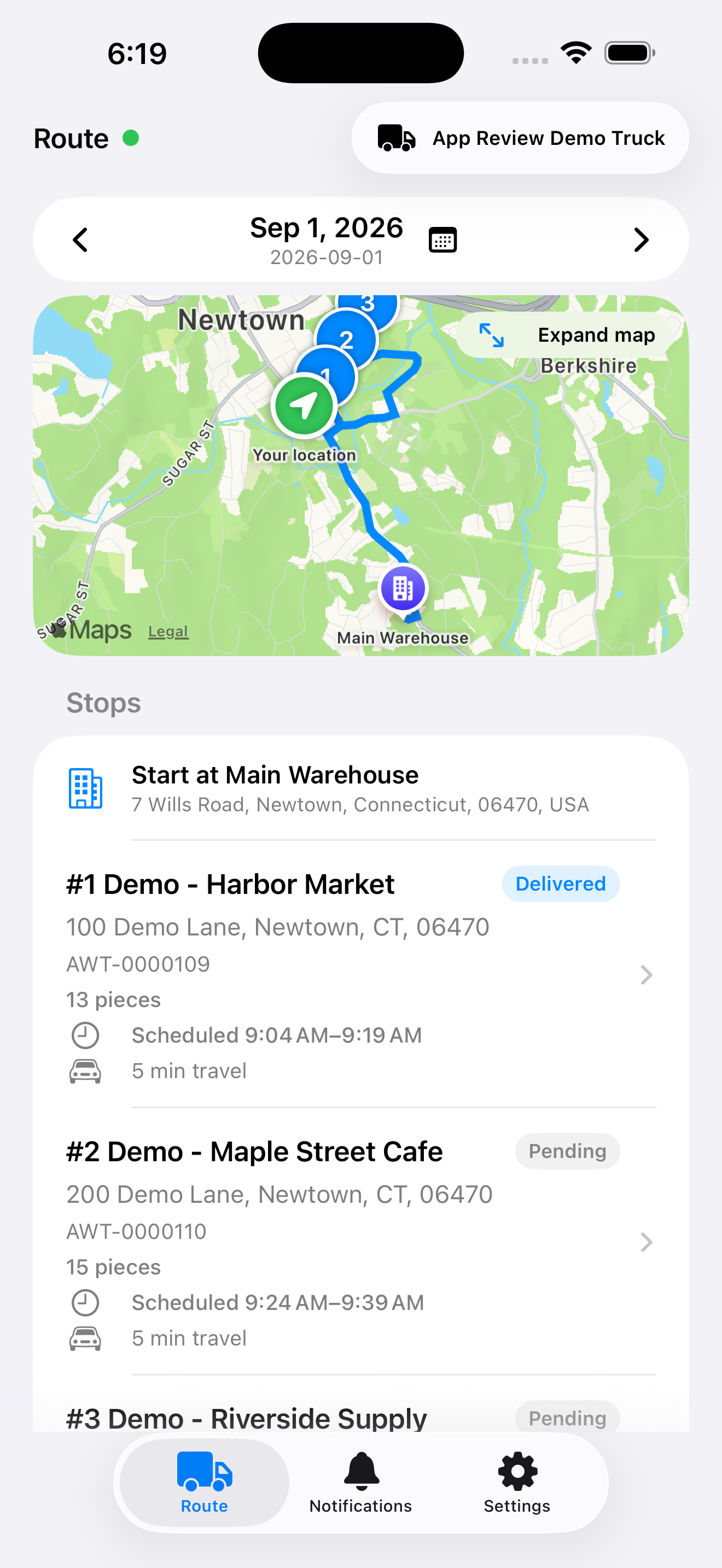

Abbey ERP for iPhone and iPad is available on the Apple App Store.
- Serve customers from the field
- Put delivery work in the driver’s hands
- Give customers a convenient way to reorder
01 / Sales and service
Bring the account into the customer conversation.
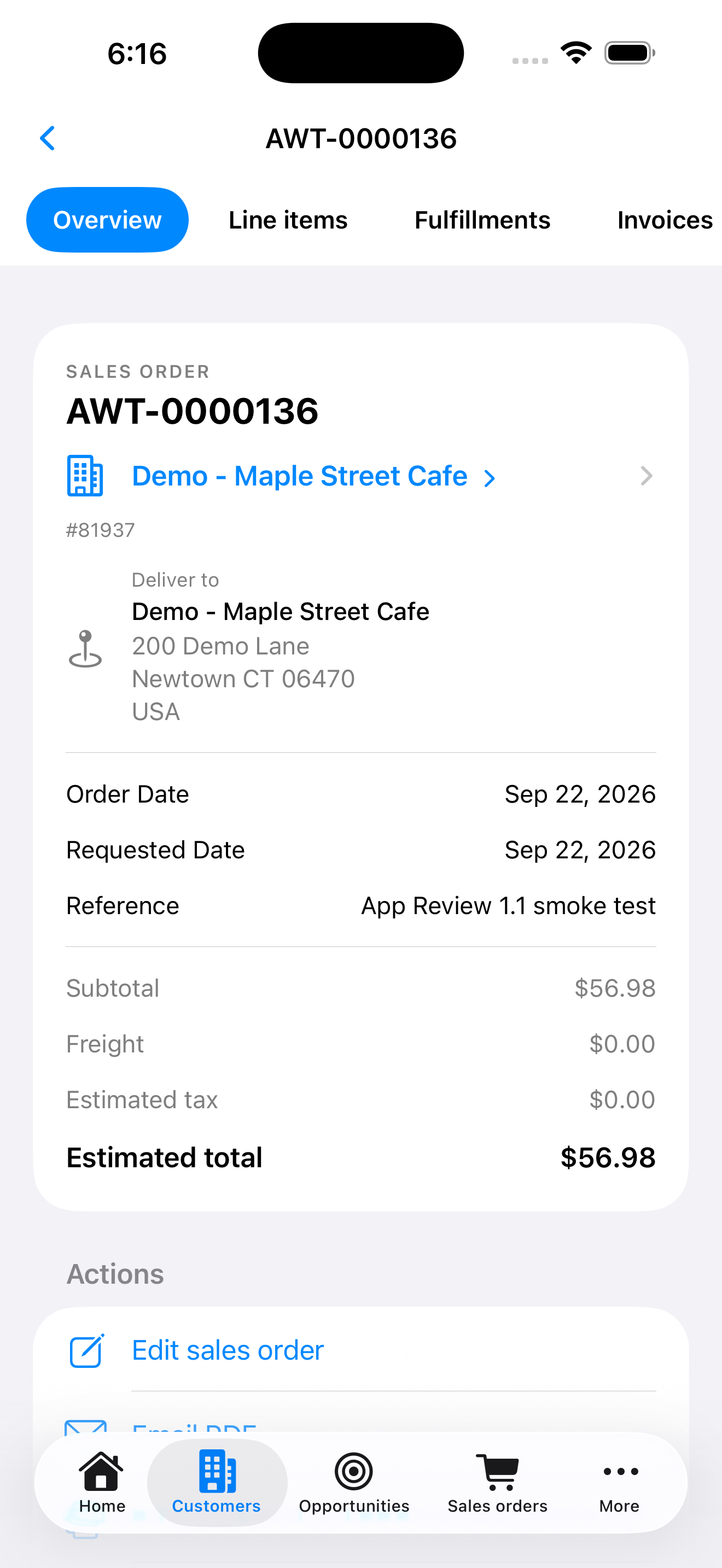
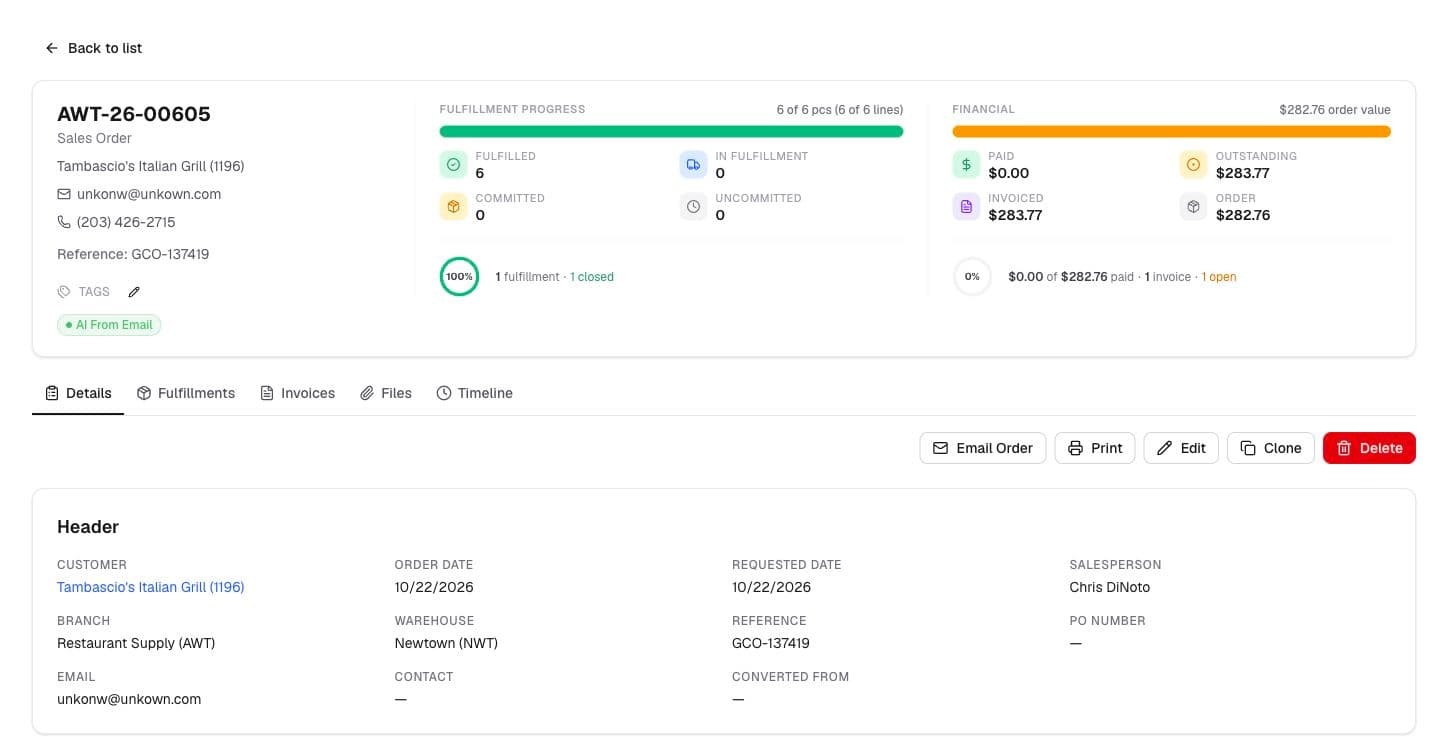
On iPhone and iPad, review customers, buying history, products, quotes, orders, and cases. Create and edit supported sales orders, check fulfillment progress, and use the information already in Abbey to answer the next question.
- Open linked customer, contact, and order records from mobile.
- Review account activity and add files or case updates with the right permissions.
- Use voice-assisted order entry where licensed and enabled.
02 / Workspaces for the job
A useful screen for each person doing the work.
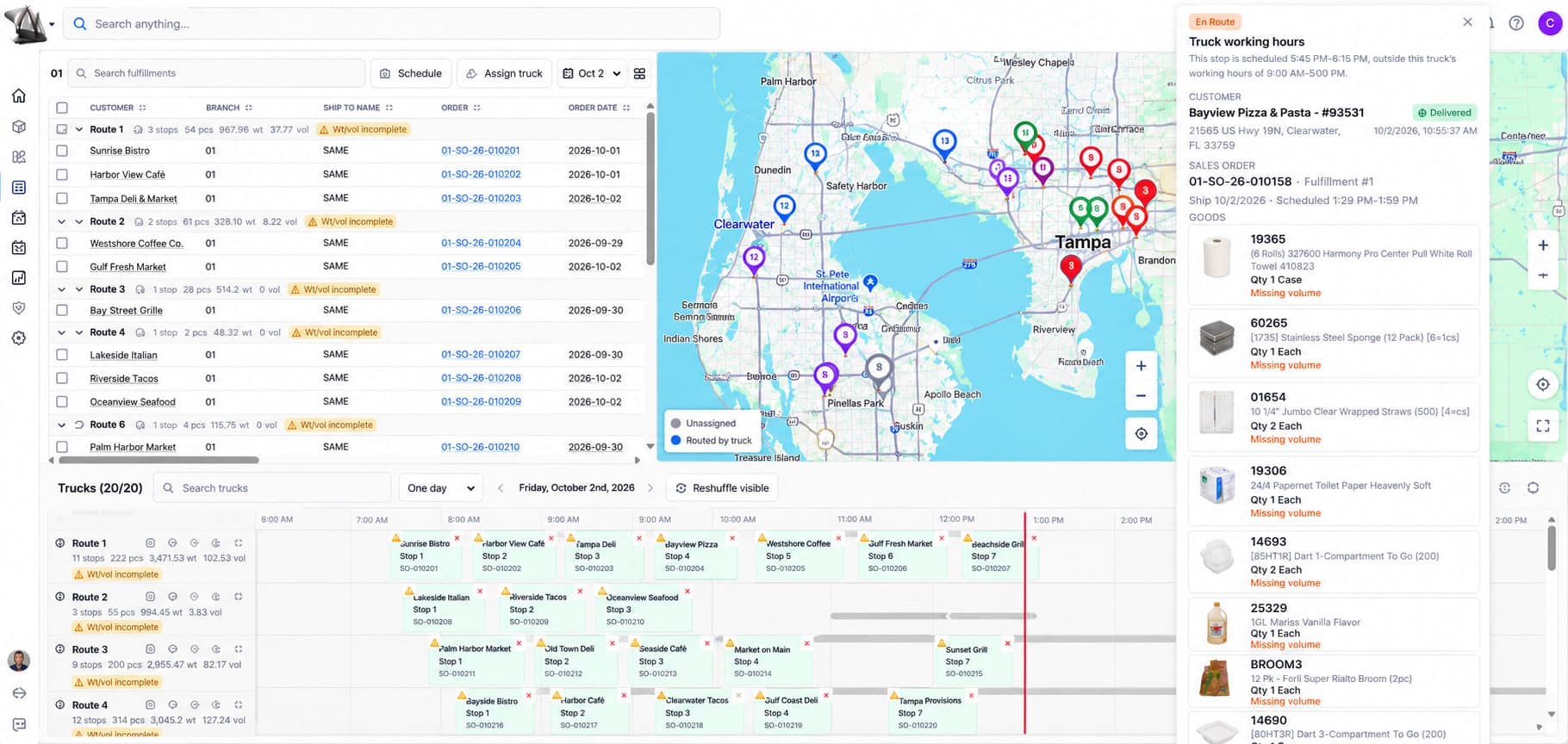
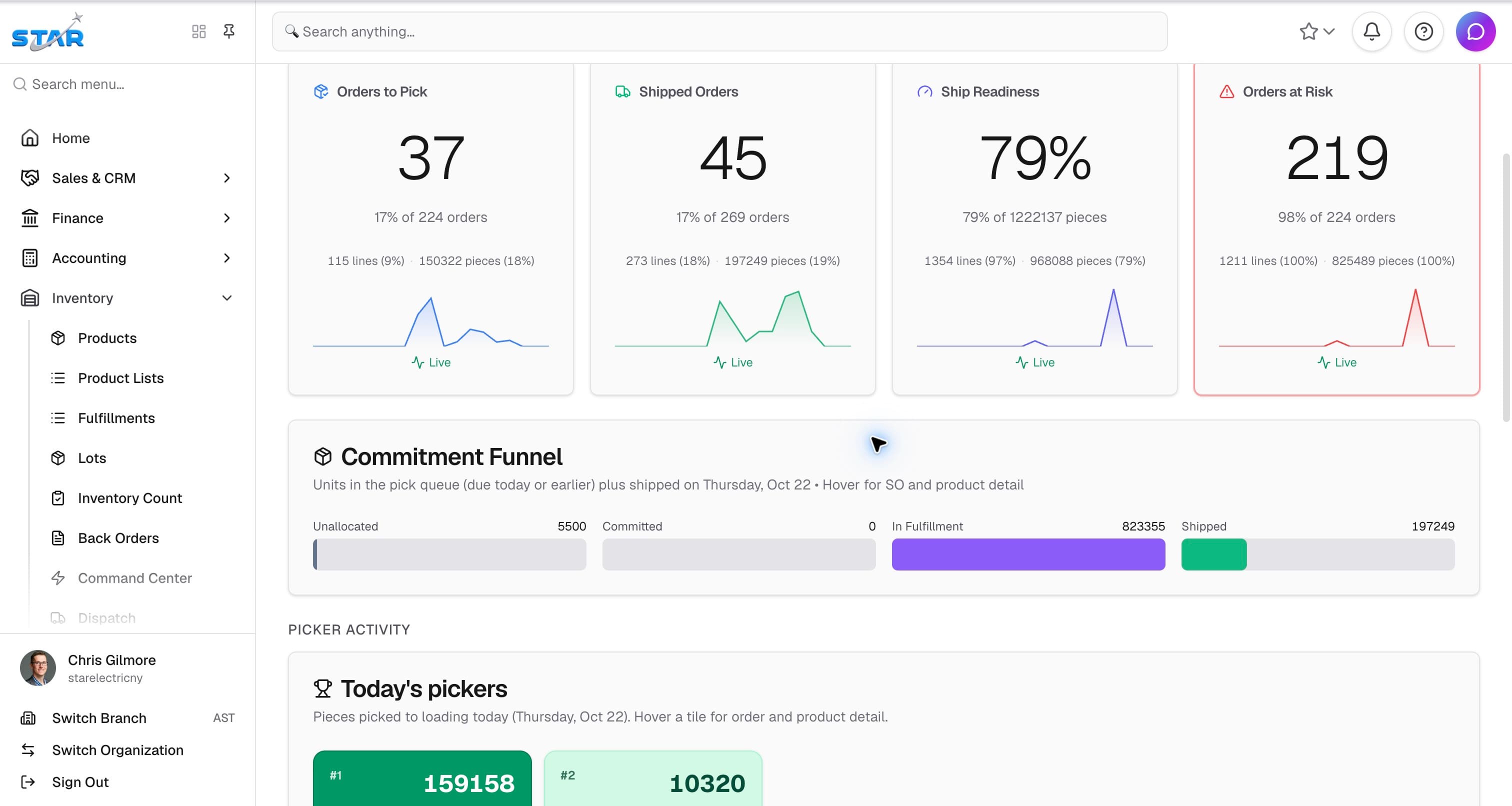
Drivers follow assigned routes and capture proof of delivery. Warehouse teams use focused receiving and picking workflows. Customers can use their portal to browse products, reorder, and review account documents.
- Driver quantities, notes, photos, and signatures stay with the delivery.
- Warehouse workflows support the people moving product.
- Customer portal access follows the customer’s catalog and account permissions.
Keep the workflow moving
Connected to the next part of the job.
Let’s talk about your operation
See Abbey work through
your next order.
Bring an example from your operation. We’ll walk through order entry, purchasing, fulfillment, and billing with your team.