
Distribution operations, connected

Production capabilities for the work between a customer PO and the financial statements—supported by governed AI, not replaced by promises.

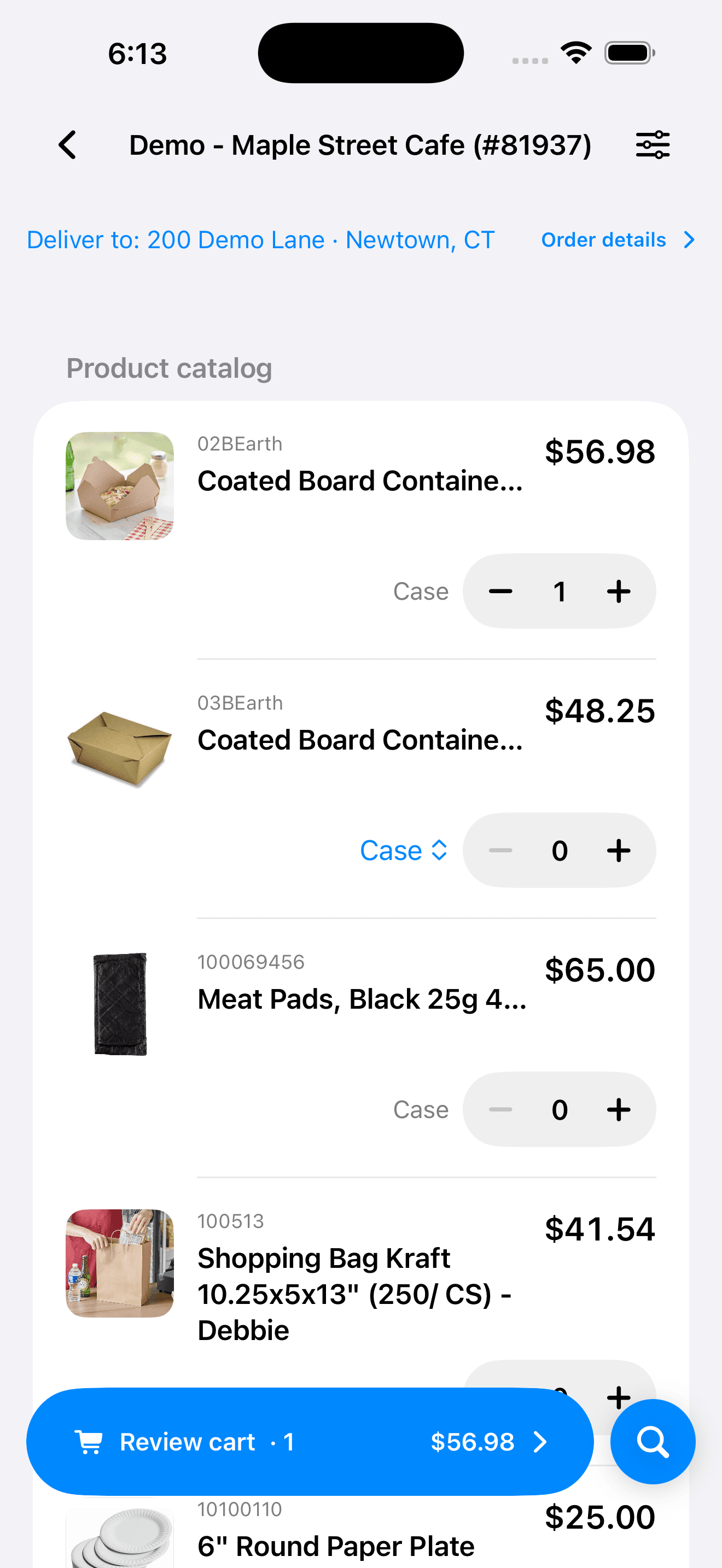
Customer PO to sales order

Intelligent Order Processing

Extract customer PO data, verify it beside the source document, apply contract pricing, check inventory, and route exceptions for review.

Signals to purchasing

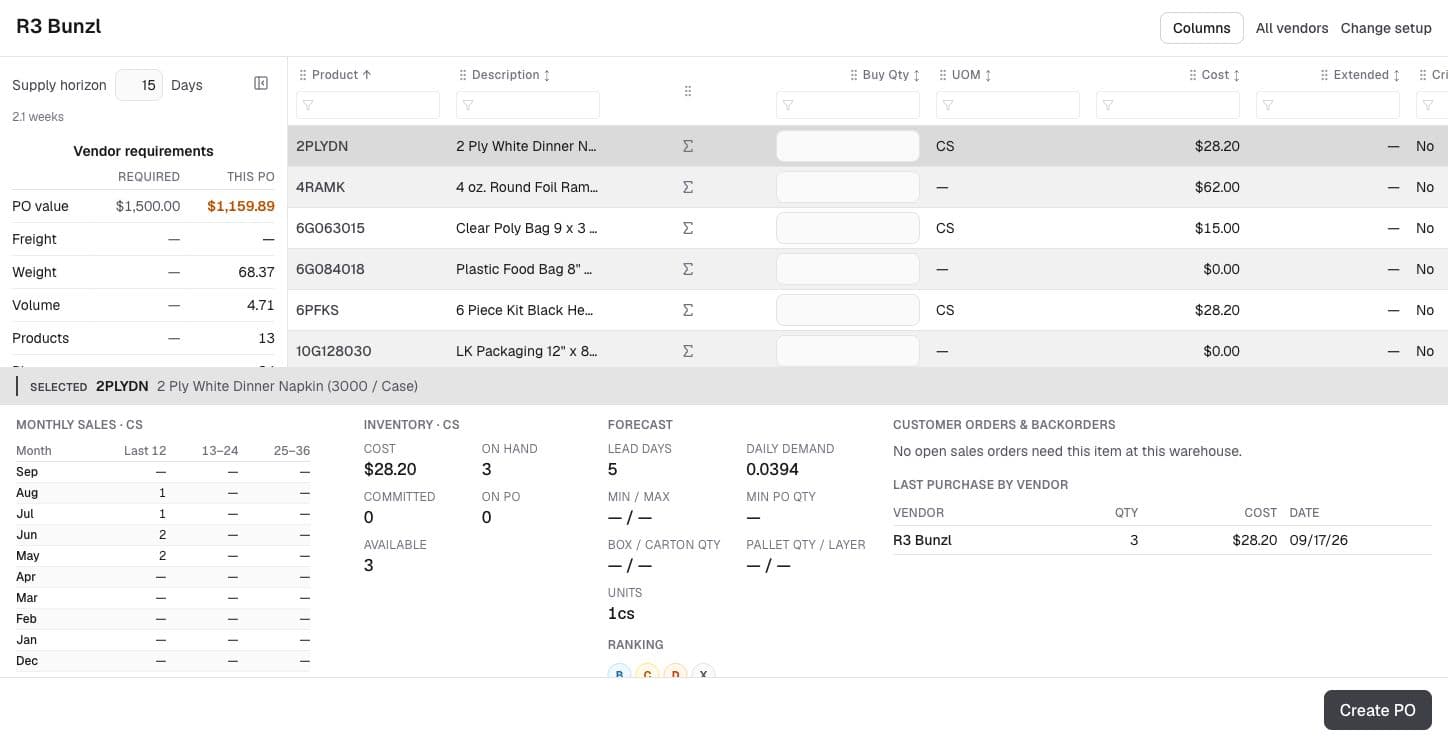
Daily Buy & PO Builder

Build a focused purchasing queue from demand, commitments, order points, vendor lead times, pack sizes, minimums, and existing supply.

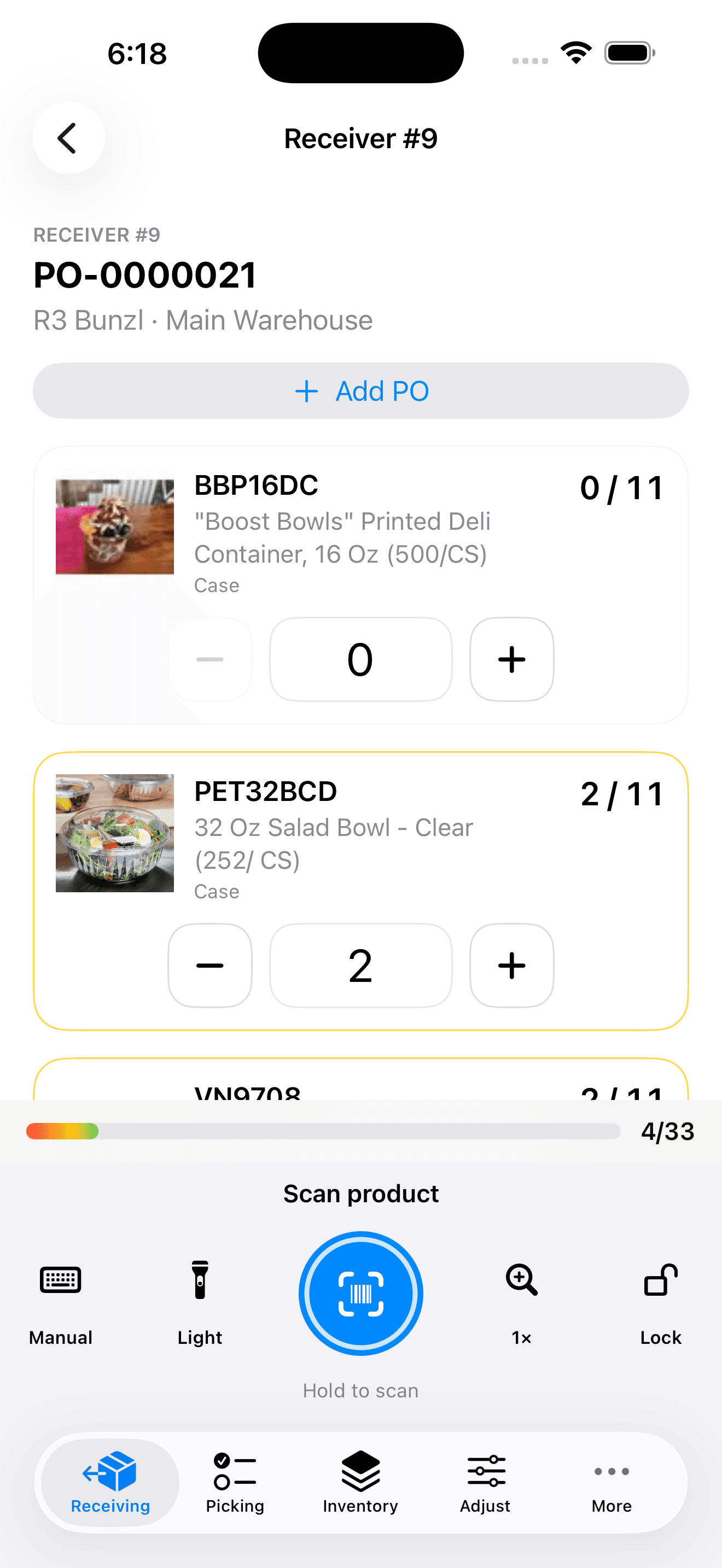
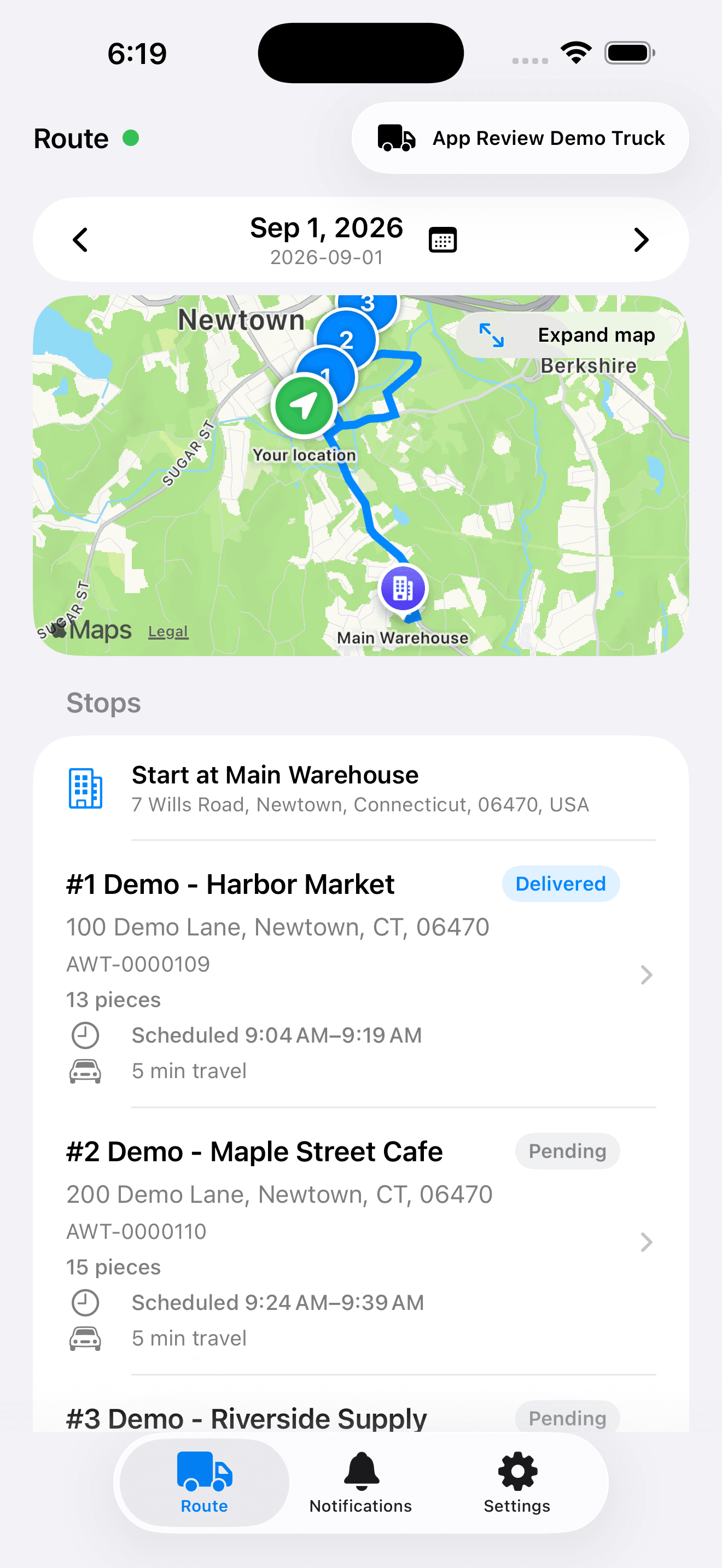
Dock to doorstep

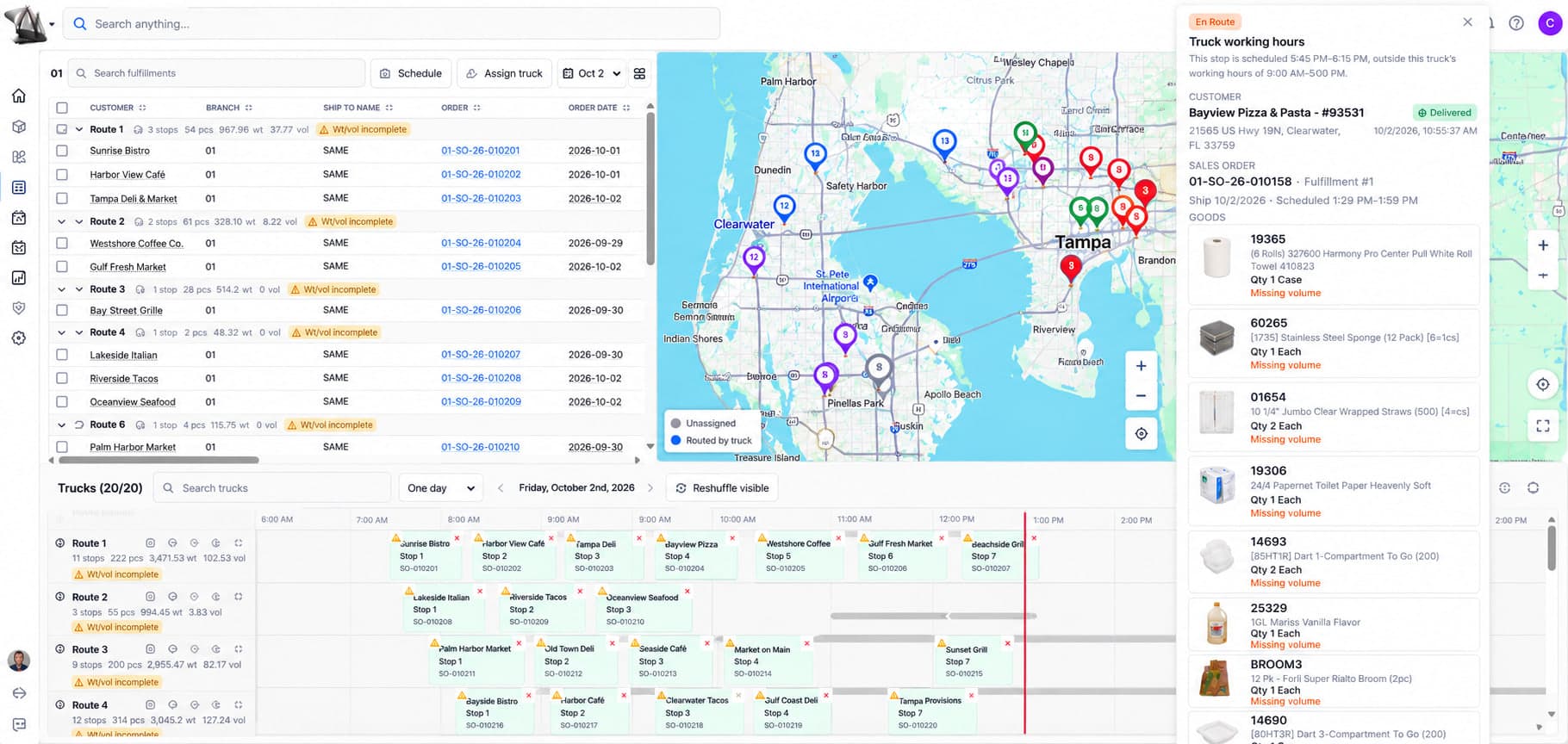
Warehouse, Dispatch & Delivery

Run scanner-ready receiving, putaway, picking, packing, dispatch, driver routes, signatures, returns, and proof of delivery.

Email to resolution

Customer Portal & Service

Give customers access to orders, invoices, statements, and account information while your team manages AI-assisted cases and support email in context.

Operations through ledger

Accounting & Financial Visibility

Connect AR, AP, cash application, bank reconciliation, journals, inventory accounting, and real-time financial reports to the transactions that created them.

Voice, MCP & ad-hoc reports

Conversational ERP

Ask operational questions by voice or text, produce ad-hoc AI reports, and securely connect approved agents to Abbey through MCP.

See Abbey in Action

Current product screens across finance, warehouse, order processing, and the order lifecycle.

Financial dashboard showing bank balance, revenue, expenses, profit, fulfillment pipeline, and AR aging

Finance & Operations

A current financial and operating picture

Value for wholesalers:

  • Monitor bank balances, revenue, expenses, and profit from one finance workspace.
  • Review receivables by aging bucket and drill into the customers and invoices behind each balance.
  • Compare fulfillment progress with financial results instead of reconciling separate operational reports.
  • Use current ledgers and reports to support bank reconciliation and period review.
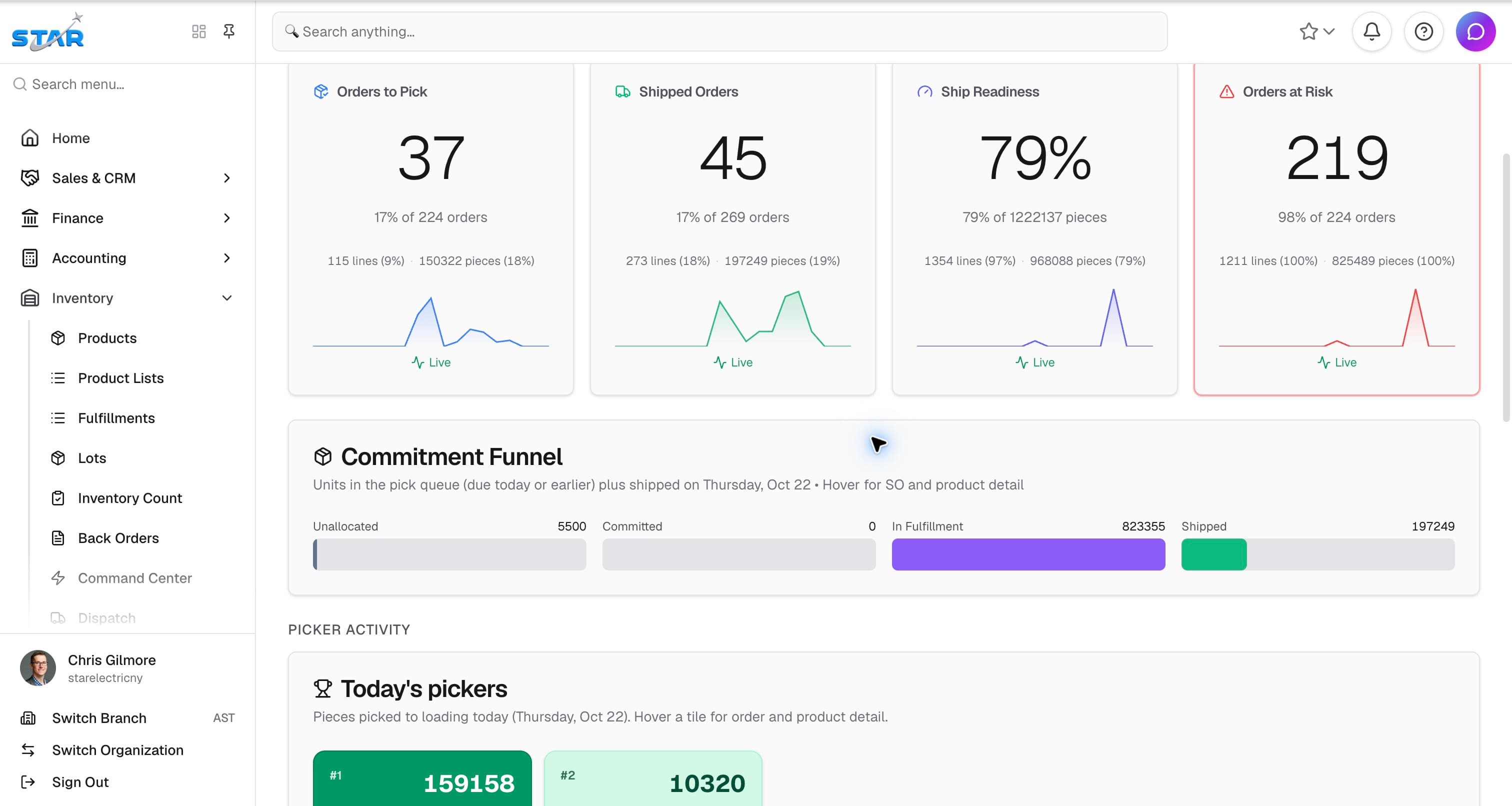
Warehouse Command Center with PULSE metrics, commitment funnel, and bin map

Warehouse Management

Coordinate warehouse work in real time

Value for wholesalers:

  • See on-hand, available, committed, picking, shipped, and backordered quantities in context.
  • Direct scanner-ready receiving, putaway, picking, packing, and cycle-count work.
  • Use bin-level inventory and warehouse maps to find product and plan work.
  • Carry fulfillment into dispatch, driver routes, delivery confirmation, and proof of delivery.
Order entry form with extracted data from document, showing line items with inventory availability

Intelligent Order Processing

Turn customer documents into reviewed orders

Value for wholesalers:

  • Extract customer, ship-to, PO, date, and line-item details from uploaded or emailed documents.
  • Review the source document beside extracted data before accepting the order.
  • Apply customer pricing and check inventory availability line by line.
  • Route exceptions to a person while preserving a clear audit trail.
Sales Orders list with fulfillment and payment progress bars

Order Management

Follow every order through fulfillment and payment

Value for wholesalers:

  • Use fulfillment and payment progress together to identify orders that need attention.
  • Search and filter across order, customer, branch, status, and date.
  • Coordinate commitments across branches against the same inventory records.
  • Move from the list to source documents, shipments, invoices, payments, and related activity.
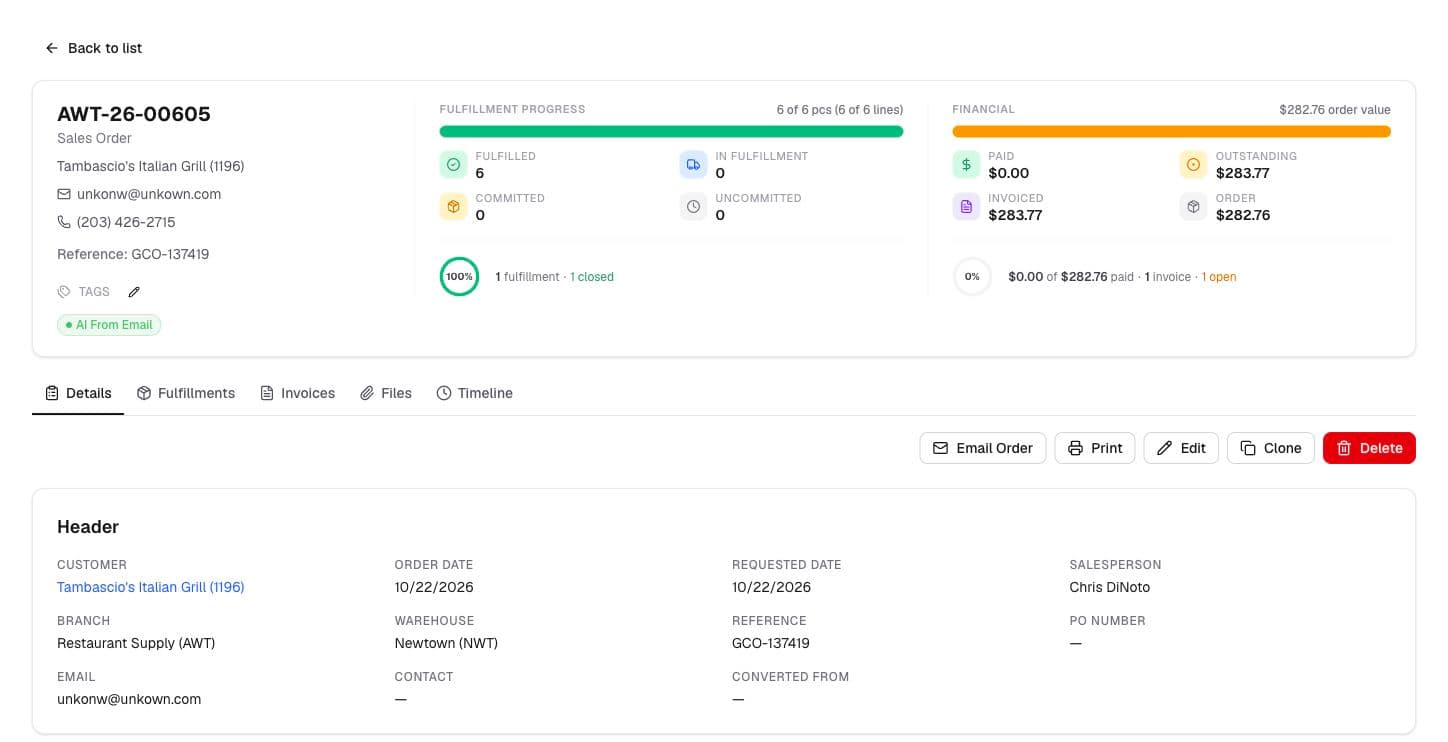
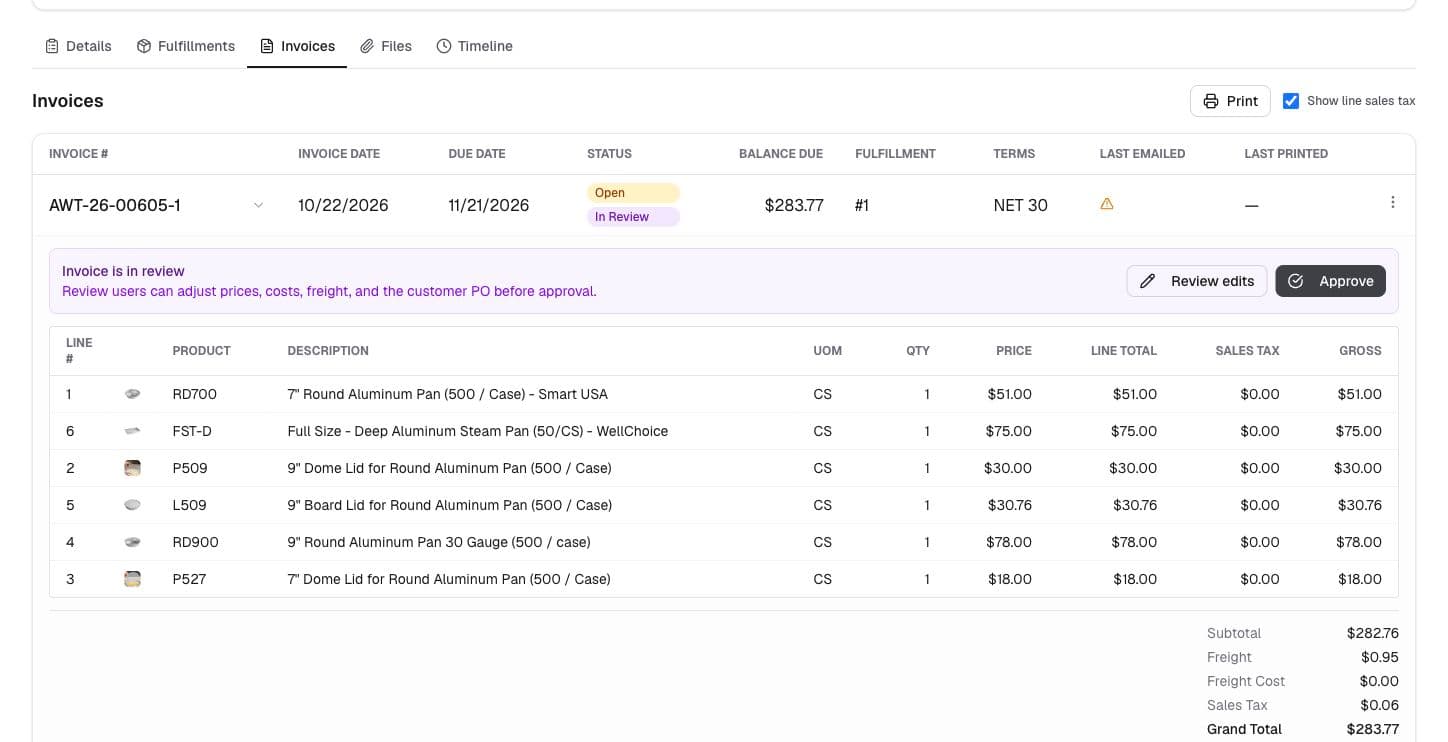
Sales order detail with fulfillment progress, financial overview, and invoice line items

Order Lifecycle

Keep the complete order lifecycle together

Value for wholesalers:

  • Trace each line from ordered quantity through commitments, fulfillment, invoicing, and returns.
  • See paid, outstanding, invoiced, and order values on the same record.
  • Review invoices, communications, documents, and changes without leaving the order.
  • Give sales, service, warehouse, and finance teams the same history when a customer calls.

Depth behind the daily workflows

The operational foundation distributors need to configure the system around their business and grow without brittle workarounds.

Migration tooling

Profile, normalize, rehearse, import, and reconcile source data through the same business APIs used by Abbey.

Wholesale pricing Matrix

Resolve customer, contract, quantity, branch, and product pricing with traceable precedence and effective dates.

Commissions

Define plans, calculate earnings from eligible transactions, review results, and carry approved amounts into payout workflows.

Workflow automation

Trigger governed actions from business events with conditions, approvals, retries, and an inspectable execution history.

AI Trust Layer

Route AI through centralized policy, permissions, audit logging, provider controls, and tenant-safe data boundaries.

Built AI-native—and governed for business data

Abbey's API-first architecture makes the ERP usable by people, automations, and approved agents. The AI Trust Layer keeps model access, permissions, tenant boundaries, provider routing, and audit history in one controlled path.

Back to Home