
From ready to pick to delivered.
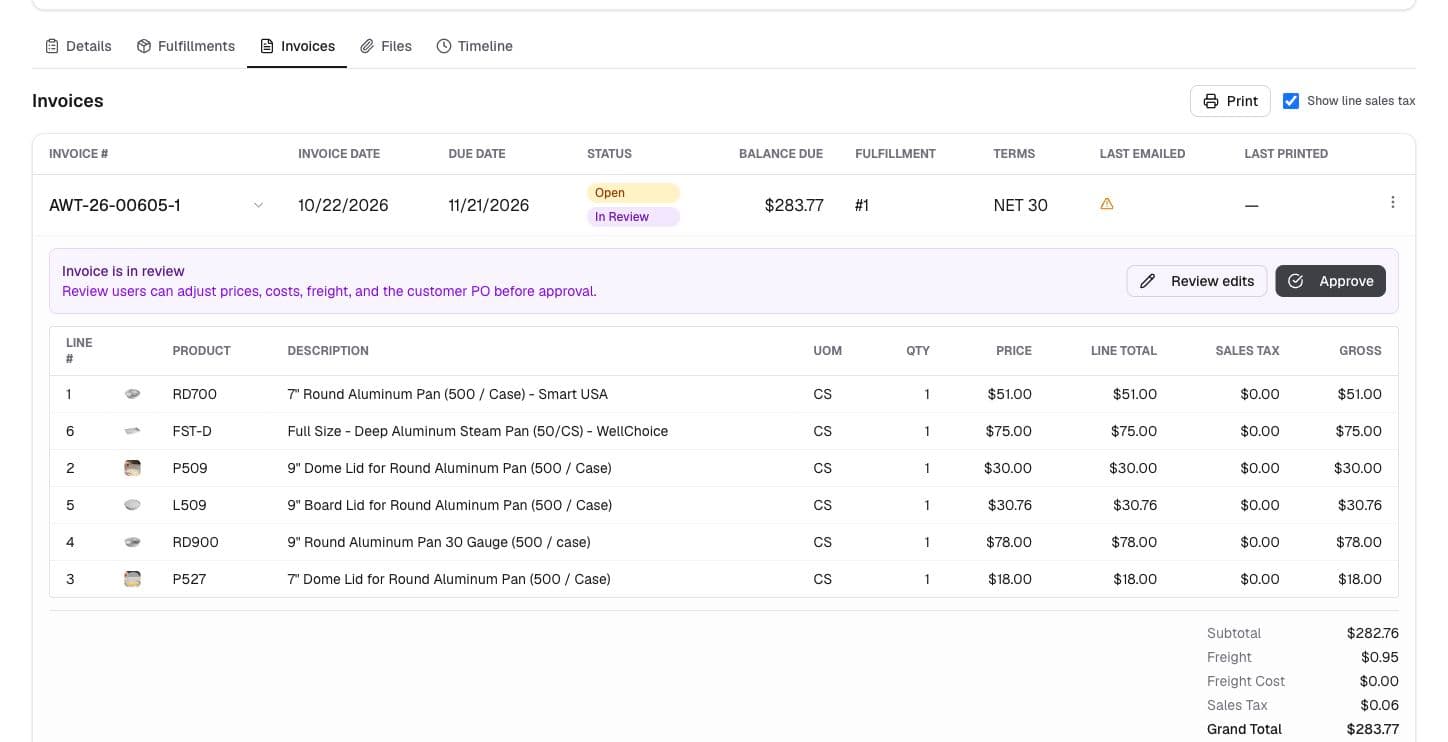
Coordinate the warehouse, dispatcher, and driver around the same fulfillment. See what is ready, plan the route, and bring delivery results back to the people serving and billing the customer.
- See readiness before dispatch
- Plan deliveries around real constraints
- Bring proof of delivery back to the order
01 / Warehouse handoff
Give every team the same fulfillment status.
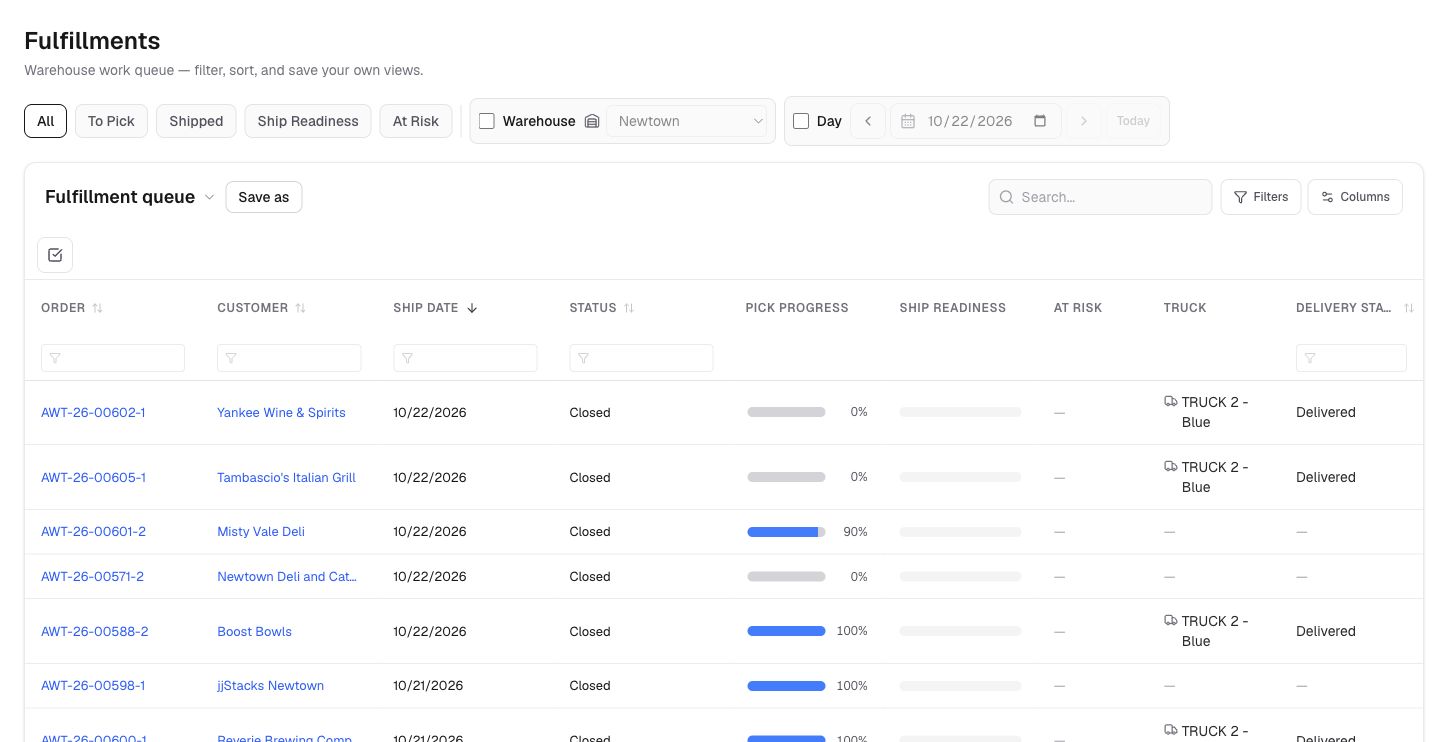
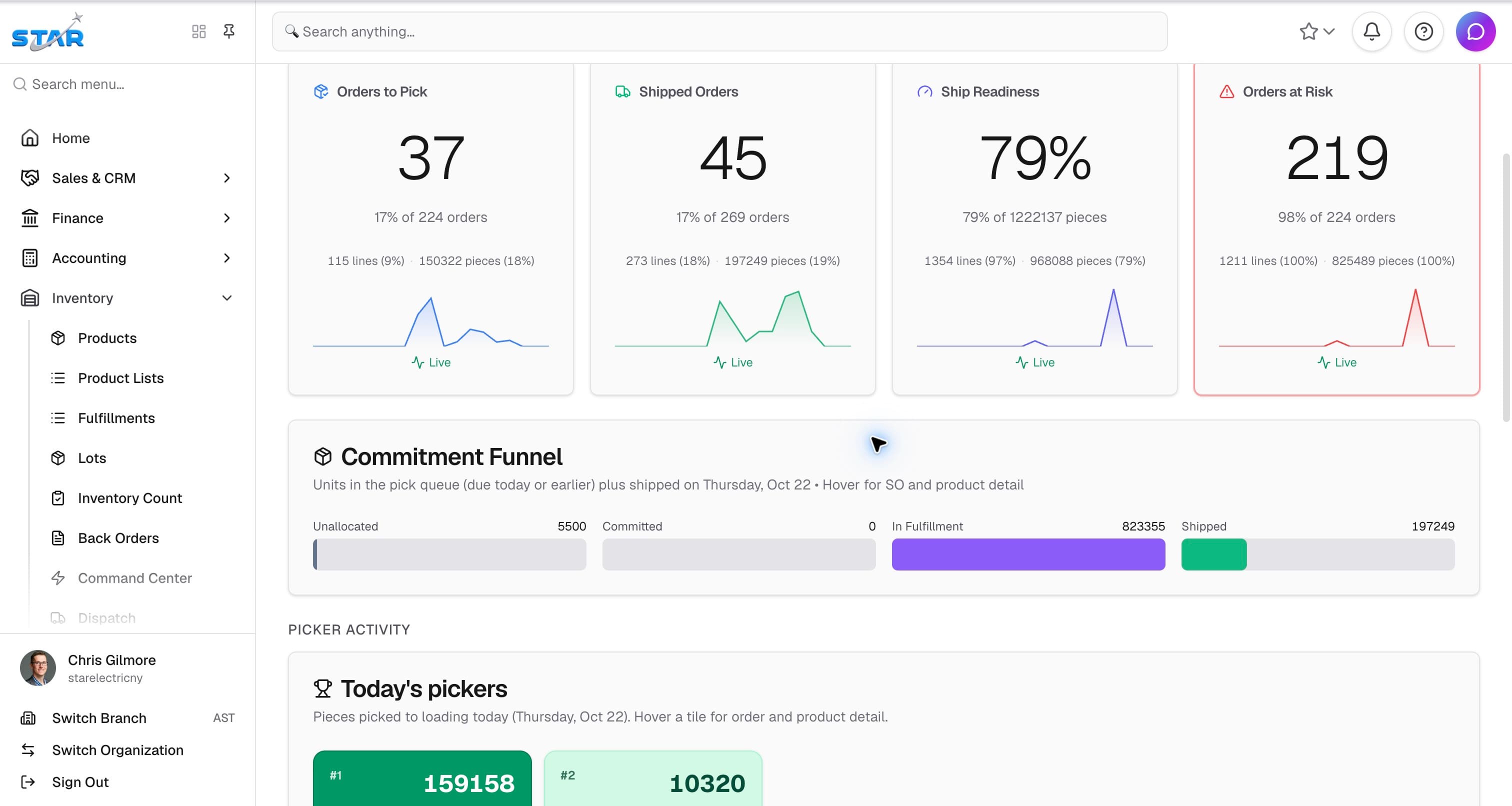
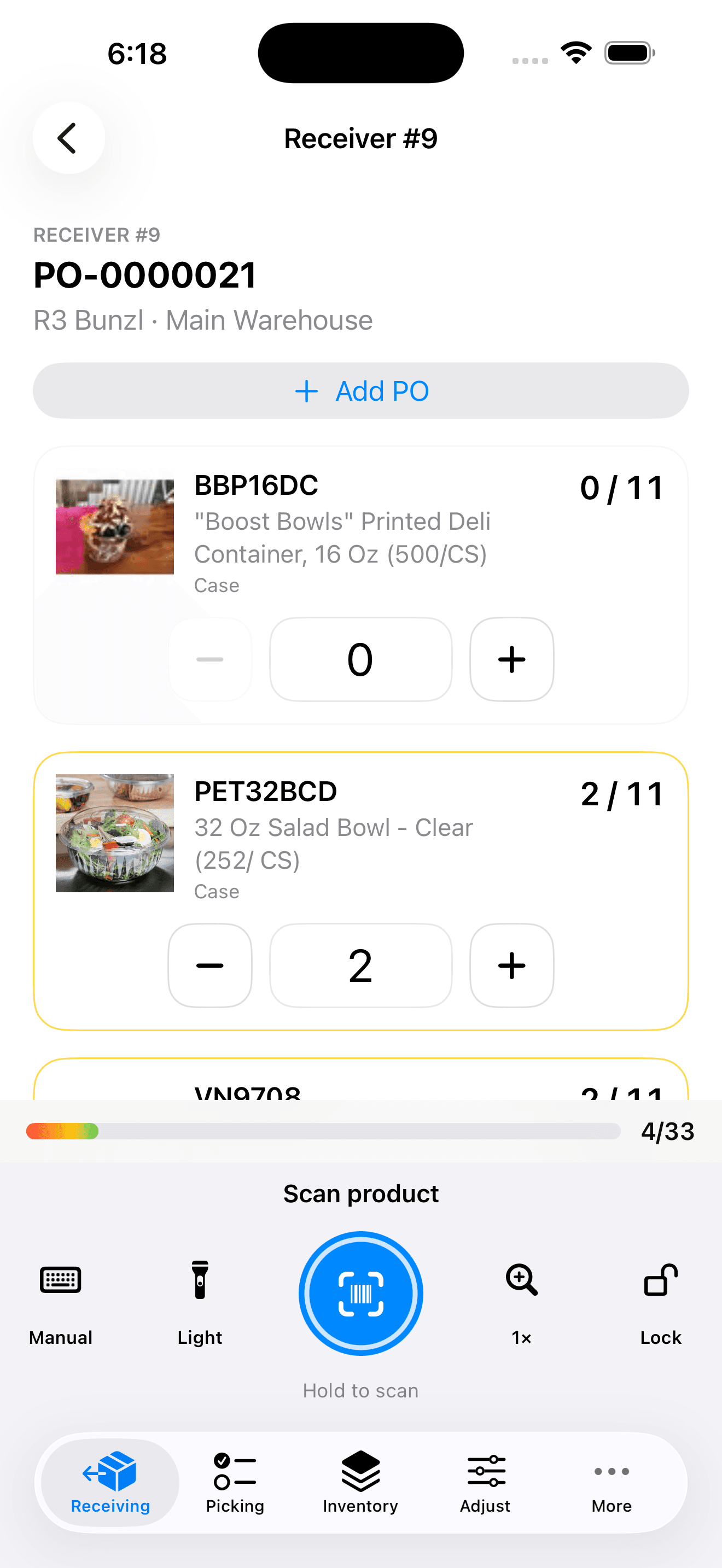
Track open work, picking progress, shipping details, and truck assignments from a shared fulfillment workbench. The sales order shows what is fulfilled, what remains, and the financial progress alongside it.
- Filter queues by warehouse, readiness, and work to pick.
- Connect pick tickets and shipment records to the source order.
- Keep partial quantities and backorders visible through the handoff.
02 / Dispatch and driver
Plan the day visually. Record what happened on the road.
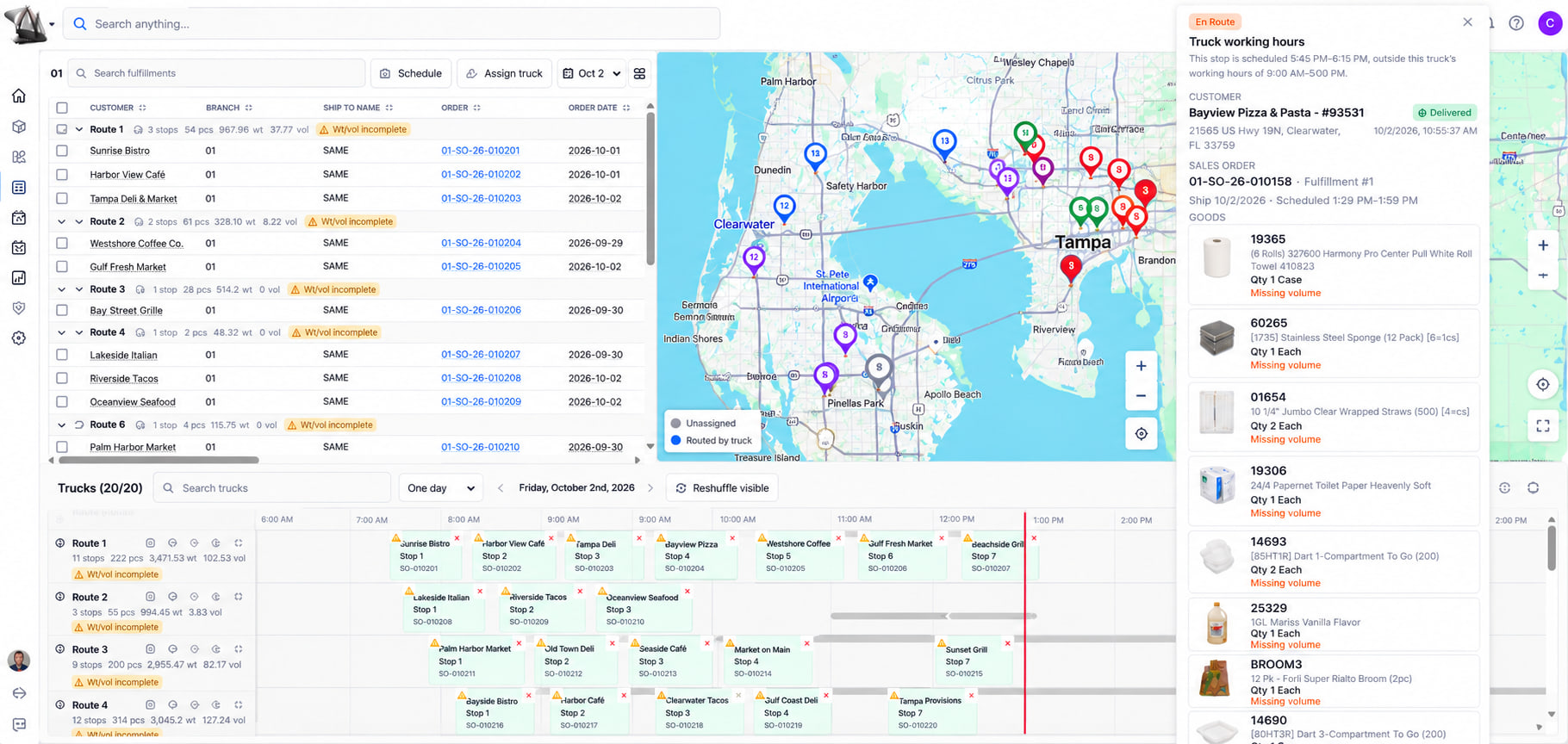
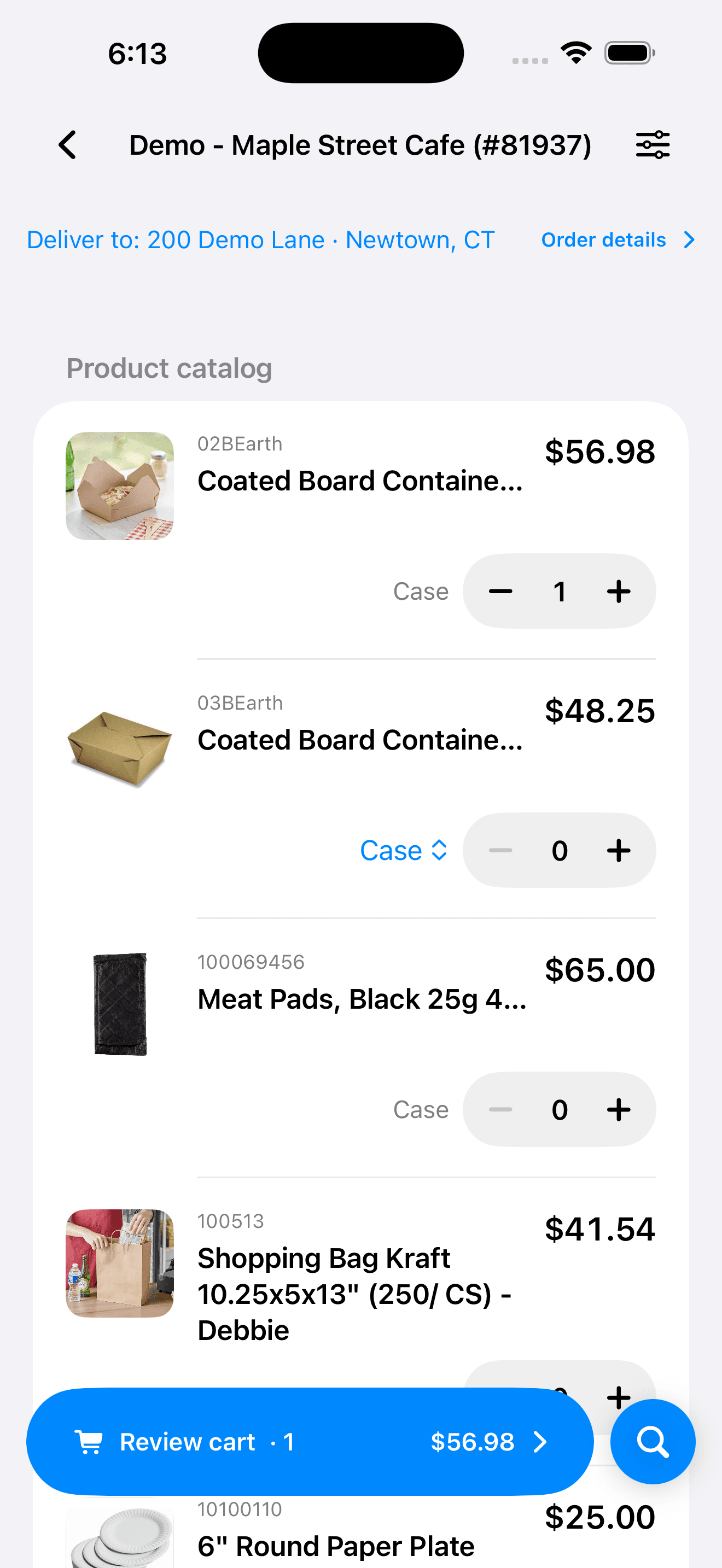
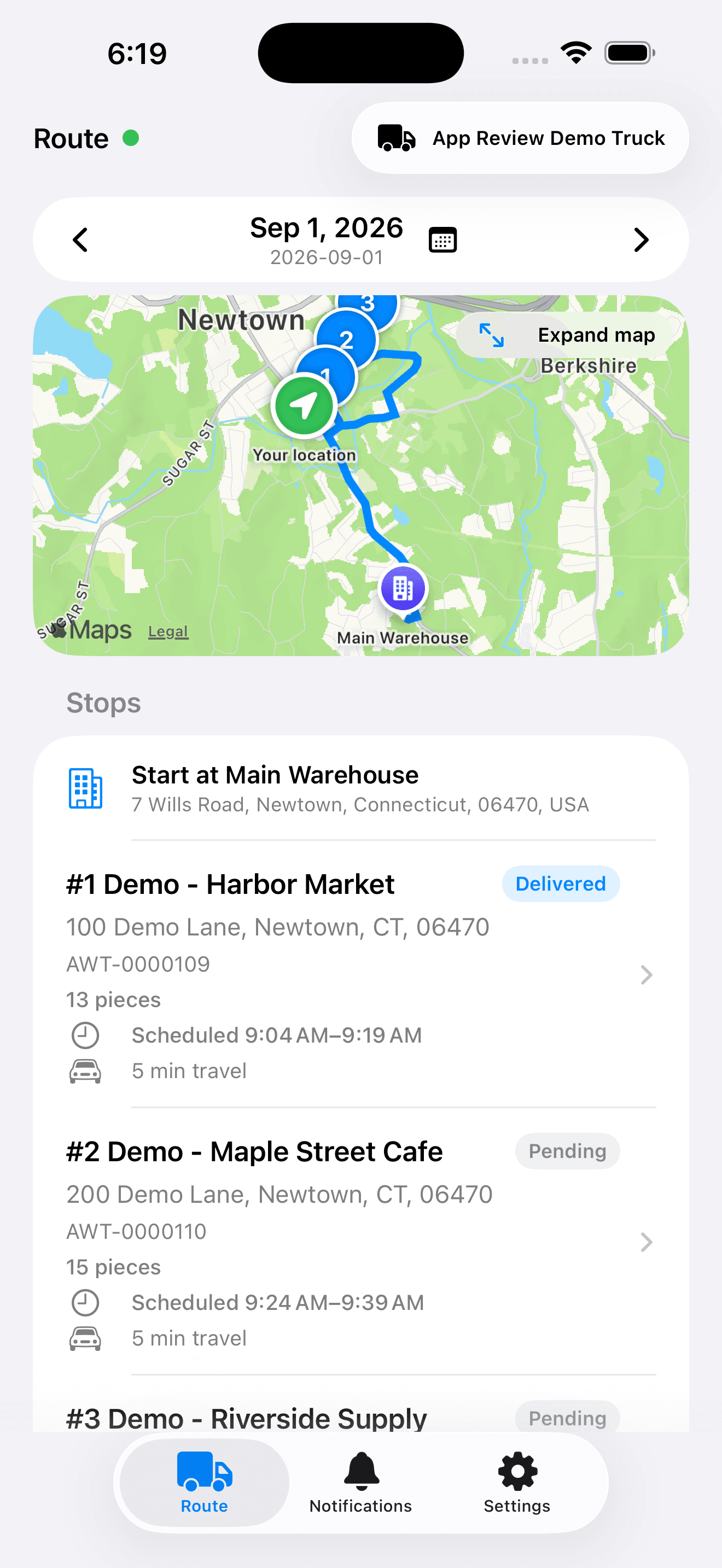
Use the map and Gantt to place deliveries on trucks and see the shape of the day. Scheduling considers configured truck capacity, working hours, travel, and receiving windows. Drivers work from the route and record delivery quantities, photos, signatures, and notes.
- Move stops on the dispatch board and inspect schedule warnings.
- Print route documents and consolidated pick tickets.
- Bring delivery results and proof of delivery back into Abbey.
Keep the workflow moving
Connected to the next part of the job.
Let’s talk about your operation
See Abbey work through
your next order.
Bring an example from your operation. We’ll walk through order entry, purchasing, fulfillment, and billing with your team.